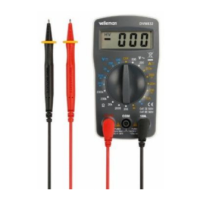
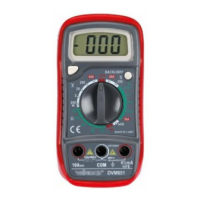
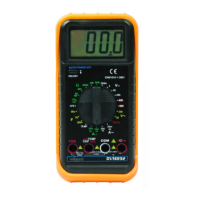
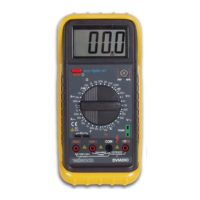
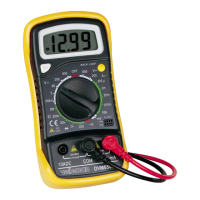
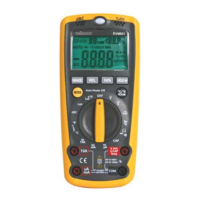
DVM810 GB
2
3.2. AC VOLTAGE
Range Resolution Accuracy
200V 100mV ±1.2% of rdg ± 1 digit
500V 1V ±1.2% of rdg ± 1 digit
Overload protection : 500V DC or 500V rms for all ranges.
Response : average response, calibration in rms of a sine wave.
Frequency range : 45Hz – 450Hz
3.3. DC CURRENT
Range Resolution Accuracy
200µA 100nA
2000µA 1µA
20mA 10µA
±1.0% of rdg ± 2 digits
200mA 100µA ±1.2% of rdg ± 2 digits
10A 10mA ±2.0% of rdg ± 2 digits
Overload protection : 200mA 250V fuse (10A-range is not fuse-protected)
Measuring voltage drop: 200mV
3.4. RESISTANCE
Range Resolution Accuracy
200 100m
2000 1
20k 10
200k 100
±0.8% of rdg ± 2 digits
2000k 1k ±1.0% of rdg ± 2 digits
Max. open circuit voltage: 2.8V
Overload protection : max. 220Vrms for 15 seconds on all ranges
4. OPERATING INSTRUCTIONS
4.1. WARNING
1. Do not measure voltages that exceed the earthing level by more than 500V in order to
avoid all risks of electroshocks or damage to the instrument.
2. Make sure the insulation of all test leads, probes and connectors is intact prior to
activating the device.
4.2. DC VOLTAGE MEASUREMENTS
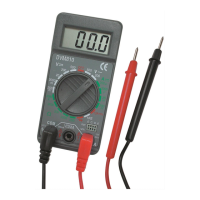
1. Connect the red test lead to the "VP$MDFNDQGWKHEODFNOHDGWRWKH&20MDFN
2. Place the RANGE switch in the appropriate VDC position. Set the switch to the highest
range and work your way down if the voltage range is unknown beforehand.
3. Connect the test leads to the device or circuit to be measured.
4. Activate the device or circuit to be measured. Both the voltage reading and the polarity
will be displayed.


 To Next Page