EasyManua.ls Logo

Velleman KSR10/USBN - User Manual

Velleman KSR10/USBN
18 pages
Print Icon
To Next Page IconTo Next Page
Loading...
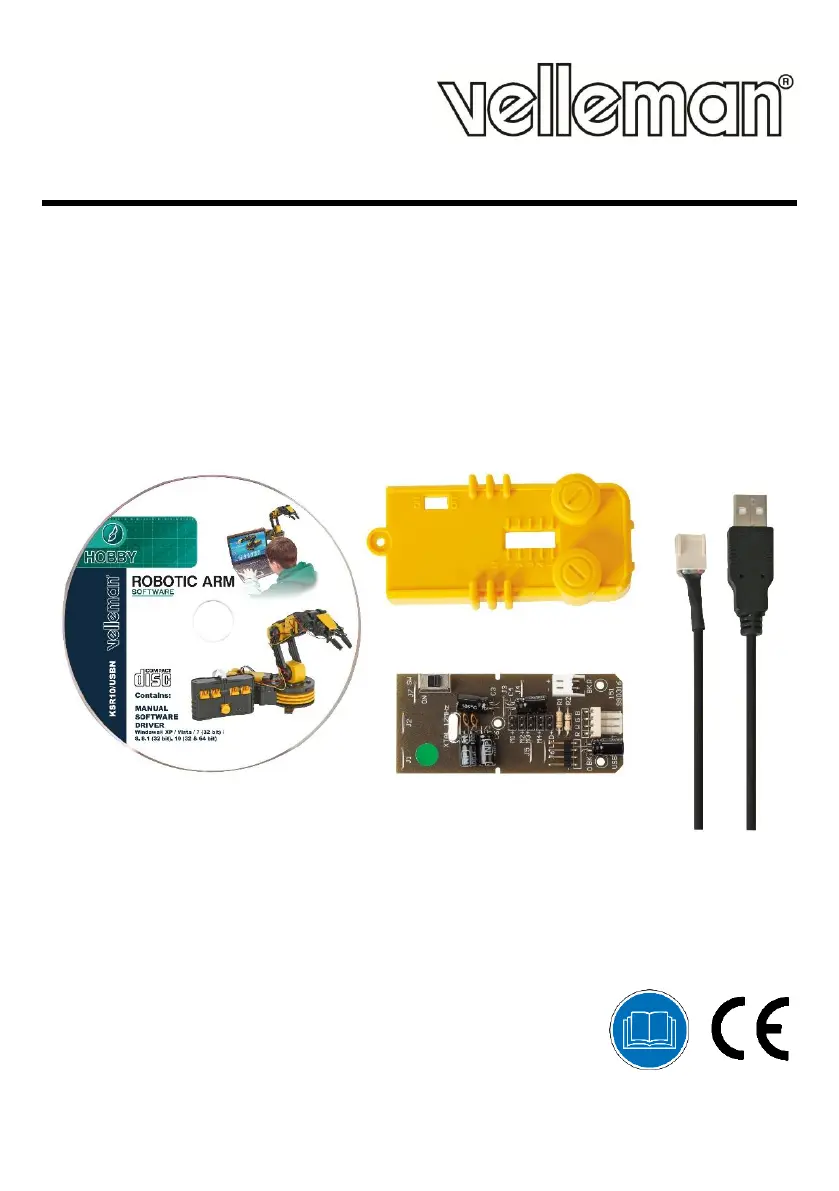
KSR10/USBN
USB INTERFACE KIT FOR ROBOTIC ARM KSR10
USB-INTERFACE VOOR ROBOTARM KSR10
INTERFACE USB POUR BRAS ROBOTIQUE KSR10
INTERFAZ USB PARA BRAZO ROBÓTICO KSR10
USB-SCHNITTSTELLE FÜR ROBOTERARM KSR10
INTERFEJS USB DO RAMIENIA ROBOTA KSR10
KIT INTERFACE USB PARA BRAÇO ROBOTIZADO KSR10
USER MANUAL 2
GEBRUIKERSHANDLEIDING 4
MODE D'EMPLOI 6
MANUAL DEL USUARIO 8
BEDIENUNGSANLEITUNG 10
INSTRUKCJA OBSŁUGI 12
MANUAL DO UTILIZADOR 14

Questions and Answers

  • D
    Donna TorresAug 12, 2025
    What to do if the Velleman Robotics arm does not respond?
    • B
      Bethany KimAug 12, 2025
      If your Velleman Robotics arm isn't responding to controls, begin by inspecting the BATTERY and GND connectors to ensure they are properly connected. Verify that the batteries are correctly inserted.
  • K
    Kyle TaylorAug 21, 2025
    Why does my Velleman Robotics arm move in the opposite direction?
    • M
      michaelskinnerAug 21, 2025
      If the Velleman Robotics arm moves in the opposite direction you intended, you should check the wirings for M1, M2, M3, M4, and M5.
  • A
    arnoldvanessaAug 31, 2025
    What to do if the searchlight does not function in Velleman Robotics?
    • A
      andersonmarciaAug 31, 2025
      If the searchlight on your Velleman Robotics isn't working, check if the L connector is correctly wired.

Velleman KSR10/USBN Specifications

General IconGeneral
CategoryRobotics
ControlUSB
Power SupplyUSB Powered
Relay TypeElectromechanical
Max Load Current3A
Max Load Voltage24V DC

Related product manuals