EasyManua.ls Logo

VELOCICALC 9565-P - User Manual

VELOCICALC 9565-P
48 pages
Print Icon
To Next Page IconTo Next Page
Loading...
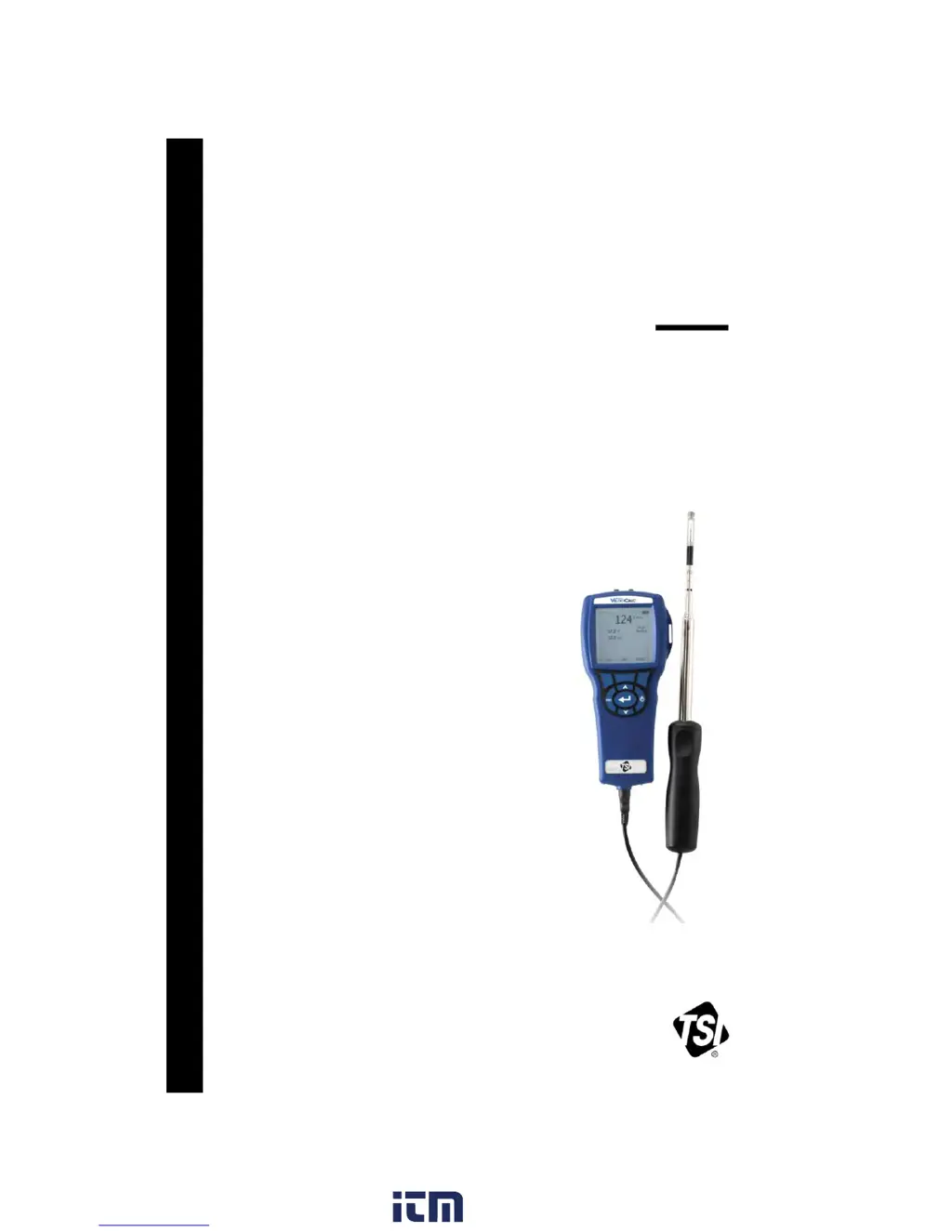
VELOCICALC
®
AIR VELOCITY METER
MODEL 9565 SERIES
OPERATION AND SERVICE MANUAL
P/N 6004851, REVISION F
JUNE 2018
w ww. . com
information@itm.com1.800.561.8187

Questions and Answers

  • J
    jaclyn55Aug 2, 2025
    What to do if my VELOCICALC 9565-P Measuring Instruments shows 'Instrument Error' message?
    • B
      Brad HooverAug 2, 2025
      If your VELOCICALC Measuring Instruments displays an 'Instrument Error' message, it could be due to a full memory. If you wish to keep the data, download it first, and then delete all memory. Alternatively, the instrument may have a fault, requiring factory service.
  • B
    Billy WernerAug 7, 2025
    Why is my VELOCICALC 9565-P Measuring Instruments velocity reading unstable?
    • C
      Christina HillAug 7, 2025
      An unstable velocity reading on your VELOCICALC Measuring Instruments is likely due to fluctuating flow. Try repositioning the probe in a less turbulent flow or using a longer time constant.
  • C
    Carolyn AndersonAug 12, 2025
    How to fix VELOCICALC Measuring Instruments with no display?
    • D
      Diamond KingAug 12, 2025
      If your VELOCICALC Measuring Instruments has no display, first ensure the unit is switched on. If it is on, check the batteries. Low or dead batteries can cause this issue, so replace them or plug in the AC adapter. Also, inspect the battery contacts and clean them if they are dirty.
  • S
    Stephanie MooreAug 17, 2025
    What to do if my VELOCICALC Measuring Instruments probe is plugged in, but the instrument does not recognize it?
    • S
      Sherry AtkinsAug 17, 2025
      If your VELOCICALC Measuring Instruments doesn't recognize the probe, even when it's plugged in, it might be because the probe was connected while the instrument was already on. Turn the instrument off, and then turn it back on.
  • H
    Heather HurleyAug 22, 2025
    What to do if my VELOCICALC Measuring Instruments keypad is not responding?
    • D
      Debbie MoralesAug 22, 2025
      If the keypad on your VELOCICALC Measuring Instruments is not responding, it may be locked. Unlock the keypad by pressing the keys simultaneously.
  • S
    Stephanie MuellerAug 27, 2025
    What to do if my VELOCICALC 9565-P Measuring Instruments shows 'Probe Error' message?
    • K
      Kevin MeltonAug 27, 2025
      If your VELOCICALC Measuring Instruments displays a 'Probe Error' message, the probe may have a fault, requiring factory service.

Summary

Chapter 2 Setting-up

Supplying Power and Batteries

Details on powering the instrument using batteries or AC adapter and DIP switch settings.

Chapter 3 Operation

Keypad Functions

Explanation of the functions of each button on the instrument keypad.

Flow Setup Configuration

Setting up flow measurement parameters like duct type and dimensions.

Data Logging Overview

Introduction to logging measurements and selecting parameters to log.

Log Mode Configuration

Setting up logging modes like Manual, Auto-save, Cont-key, Cont-time, and Programs.

Test Data Management

Managing test data including choosing, naming, viewing, and deleting tests.

Calibration Procedures

Performing field calibration procedures.

Bluetooth Functions

Configuring Bluetooth settings for wireless connectivity.

Chapter 5 Troubleshooting

Troubleshooting Common Issues

Table of common symptoms, causes, and corrective actions for the Model 9565.

Appendix A Specifications

VELOCICALC 9565-P Specifications

General IconGeneral
BrandVELOCICALC
Model9565-P
CategoryMeasuring Instruments
LanguageEnglish