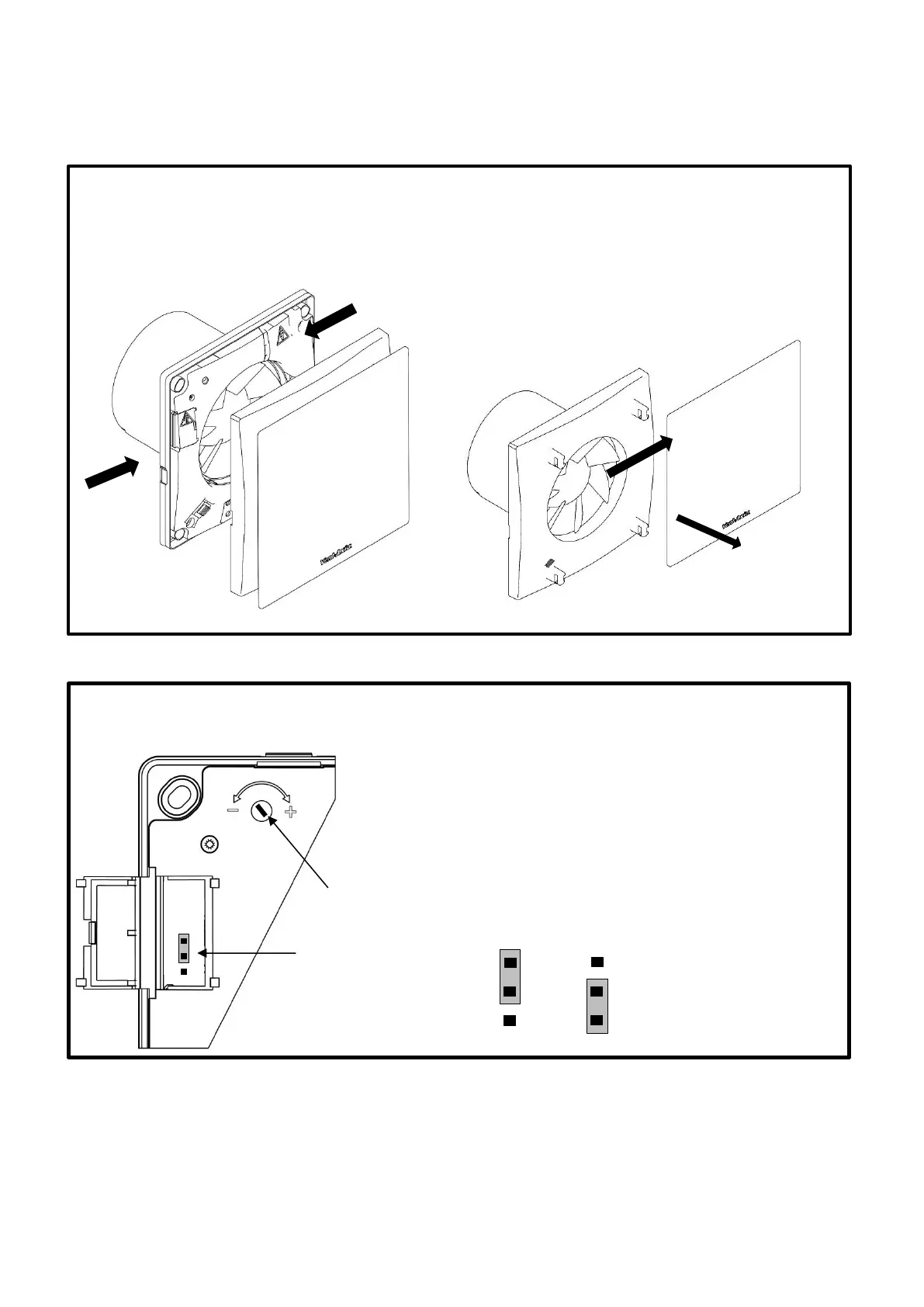
Fig.3: – Grille removal for cable entry and control PCB access.
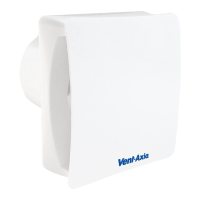
To remove the inner cover & outer cover, push both
clips (1) to release.
To remove the outer cover, slide the cover to the right
to release the 4 clips (2), then out towards you (3). To
refit the cover, line up the 4 clips on the rear of the
cover and slide to the left until you hear a “click”.
Fig.4: VASF100B , VASF100T
Timer Adjustment:
To REDUCE the operating time, use a small screwdriver to
turn the adjuster ANTI-CLOCKWISE.
To INCREASE the operating time, use a small screwdriver to
turn the adjuster CLOCKWISE.
Speed Selection (JP5):
Change the jumper connector to the position shown for the
desired speed





 To Next Page