Venus Tablet Quick Setup Guide
Page 7
After a time it’s necessary to exchange the pen tip. If the tip is not soft any
more or leaves scratches (scratch noise) on the graphic tablet it’s
recommend to exchange the tip to avoid any damage on your tablet.
1. Use the pen tip remover tool like a classical tool you know from
home. Grap the tip with the open end of the remover tool and pull
out the tip with care.
2. Place the new tip in the pen and gently push it in until the end is
reached. Don’t use to much pressure to avoid damage of the pen.
The Control Panel
This paragraph describes the Windows control panel but can be adopt to
MAC control panel as well.
After driver installation, restart and successful connection of your Graphic
tablet you will find a small Tablet Icon in the quick start bar close to your
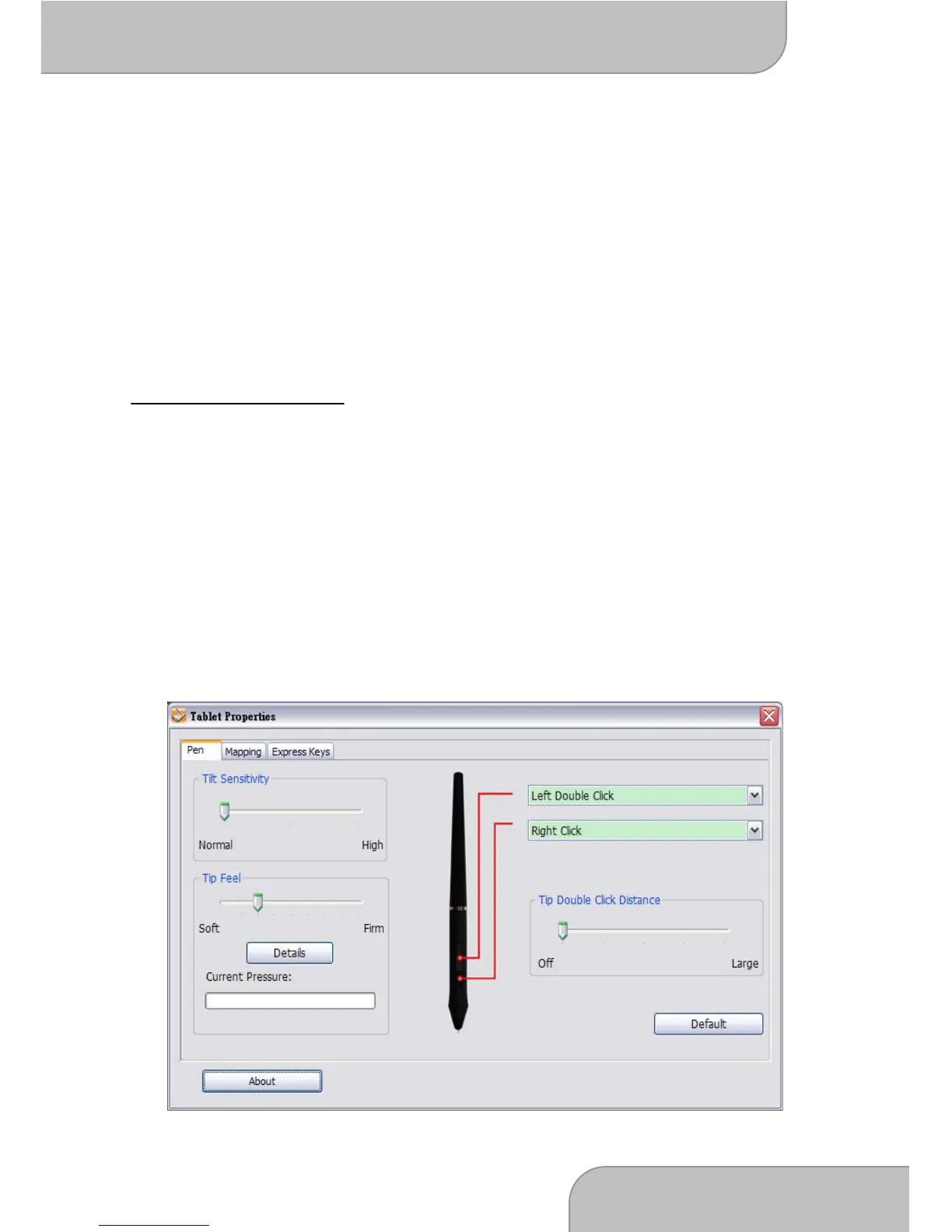
clock. Click on the Icon to open the Control Panel. The Control Panel is
divided into 3 main parts
1. Pen: This page offers you a wide range of pen settings to customize
the pen to your needs. Setup the functions like followed



 To Next Page