Inclusion/Exclusion for Devices using a Generic Device Wizard
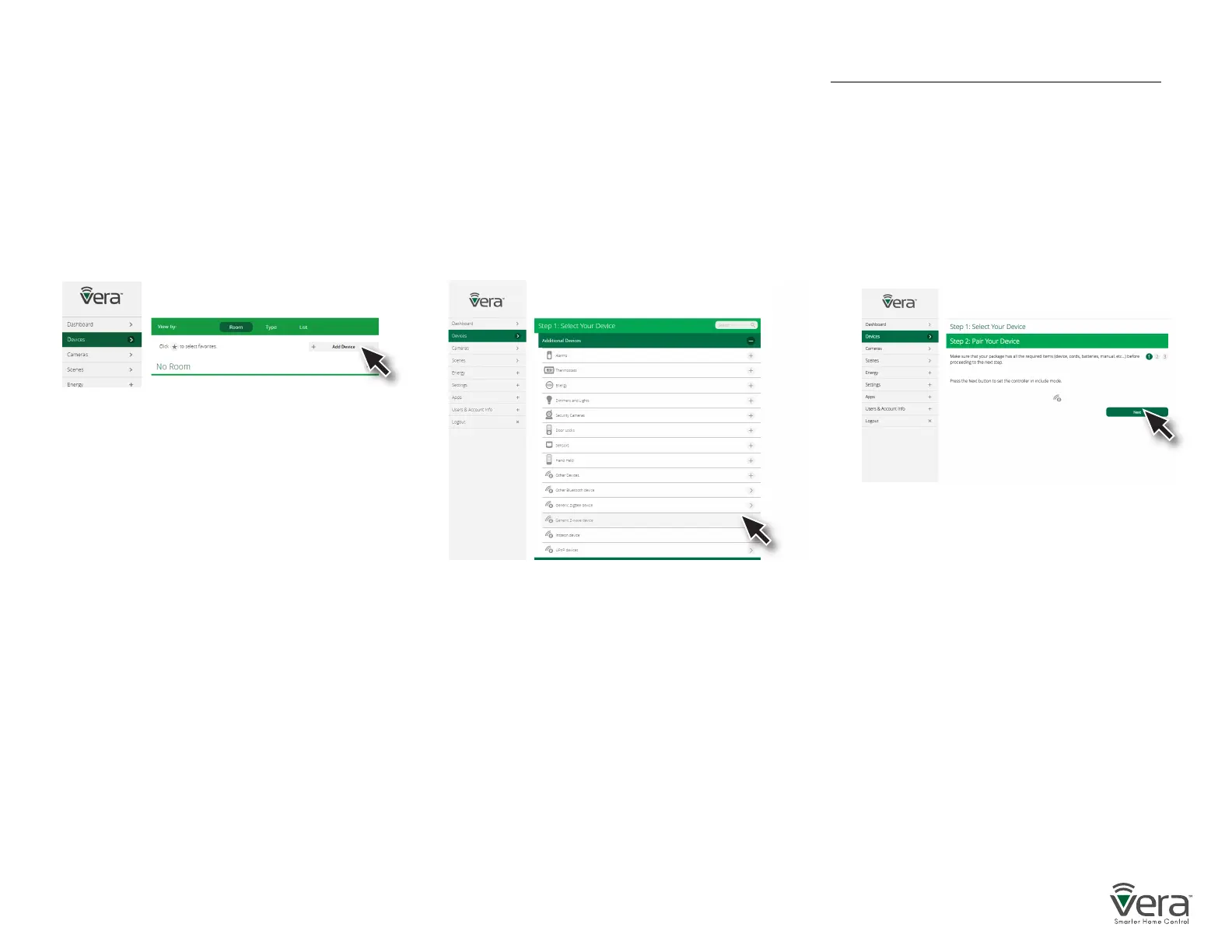
Step 1
Select Devices and click on the
Add Device option.
Step 2
Click on the “+” sign for the Other Device’s
category. A list of Vera Custom Device Wizards
is displayed. If your specic device is not shown,
select the “Generic Z-Wave Device” option.
Step 3
Follow the steps in the Device Wizard
to add the device.
After adding a new device, the VeraPlus Controller will ask you to name it and choose the room it is (or will be) located in.
Note: If the device was previously included with a dierent Z-Wave system, you’ll need to it exclude it before adding with your VeraPlus.
(You may also need to do this if you have problems Inclusion/Exclusion the rst time.) Press the Retry button to start the exclusion pro-
cess. Once the device is excluded, add it by following the inclusion steps.


 To Next Page