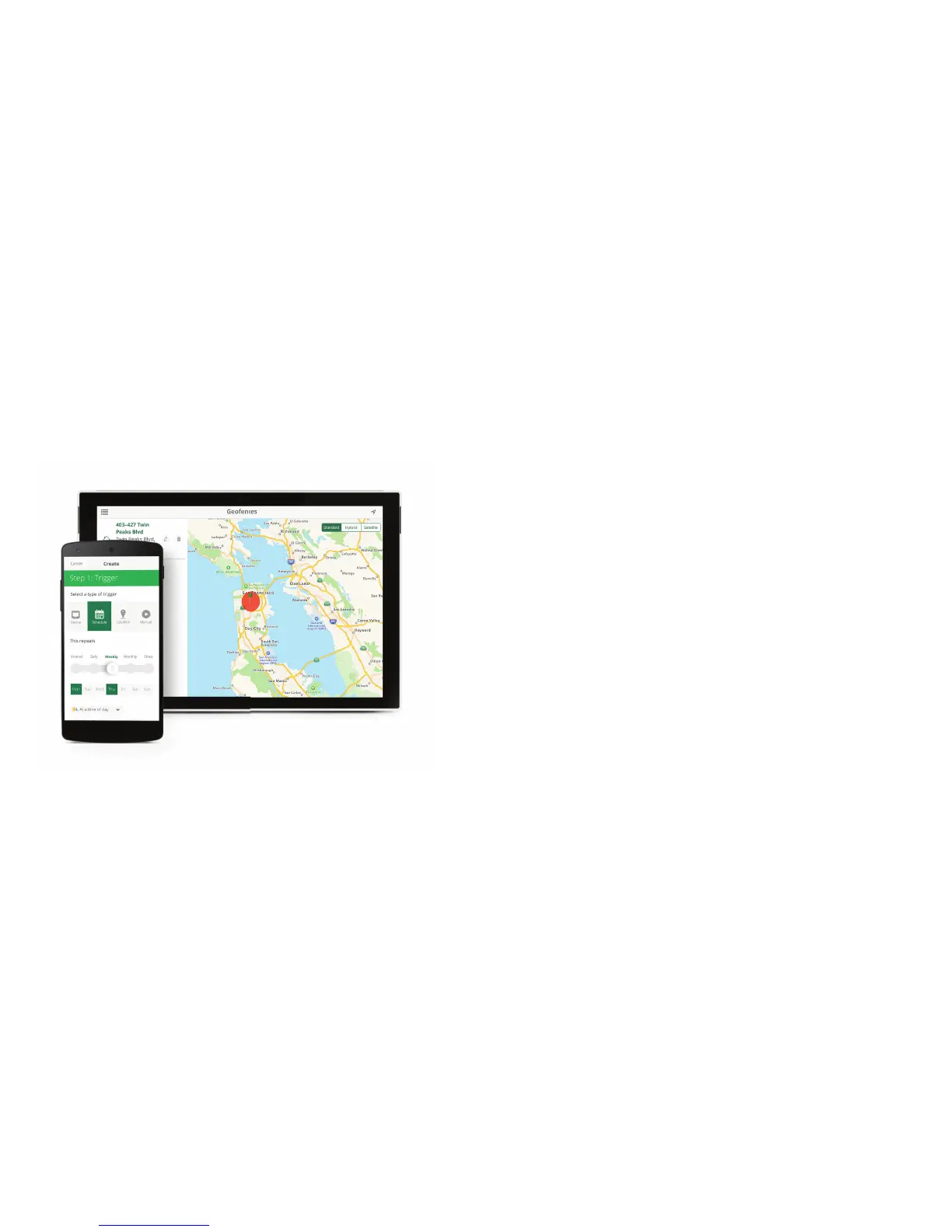
For more information on Geofencing go to: www.getvera.com/geofencing
| Scenes
| Geofencing
Control any device based on another device. Turn on an outdoor light when a sensor
detects motion. Or set an alert, to get a text whenever a door is opened. Timer scenes use
the Controller’s built-in clock to turn devices such as lights and lawn sprinklers on or off.
Or use your phone’s location to Geofence.
Use your cell phone location to automatically control your system. As you arrive home your
garage door will automatically open. Or leave the house and lights will turn off, doors will
lock, and your thermostat will set to reduce energy use. Just be sure to carry your phone!


 To Next Page