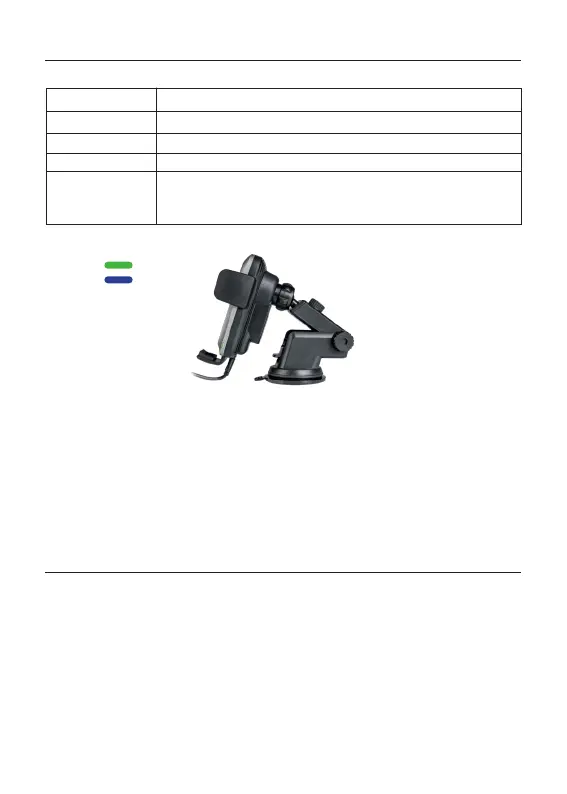
6. Inserting/removing phone
After you mounted the holder and the car charger is provided with power you can insert
your phone, the arms will close automatically. The phone will automatically start charging
(if the smartphone supports Qi). The green status LED on both sides will switch to blue.
If you want to open the arms while the device is charging and connected to power supply,
you need to touch the button on the top back. After touching the button, the arms will
release your phone so you can take it out.
CAUTION: Never use force to open or close the arms manually as the product is designed
to open and close automatically. Manual adjustment might damage the device.
Input (requirements for adapter): 9V/1.67A; 12V/1.5A-3A
Output: 15W / 10W / 7.5W / 5W (auto-adaptation)
Working frequency:
110 KHz-205KHz
Product standard: Qi
Charging distance: ≤10mm
Charging efficiency: ≤80%
Product dimension: 123mm x 71mm x 75mm
Product material: ABS + PC + Glass Surface
Product weight: 176g
Cable: USB-C to USB-A cable, 1m
Protective functions: Over-voltage protection / Over-current protection
Over-temperature protection / Short circuit protection
FOD (foreign object detection)
NPO capacitors: Lower charging temperature and high charging efficiency
Indicator LED info
Green (on both sides)
Green (on both sides)
Blue (on both sides)
LED will switch from blue to green (on both sides)
If metal or magnetic objects are somewhere on the charger, the
LED will flash green and blue. If foreign objects are detected,
charging will be stopped.
Working mode:
Standby
Charging
Standby mode:
Charging mode:
Charge complete:
Foreign object
detection warning:
Specifications
6



 To Next Page
 Loading...