EasyManua.ls Logo

Veridian 09-340 - User Manual

Veridian 09-340
24 pages
Print Icon
To Next Page IconTo Next Page
Loading...
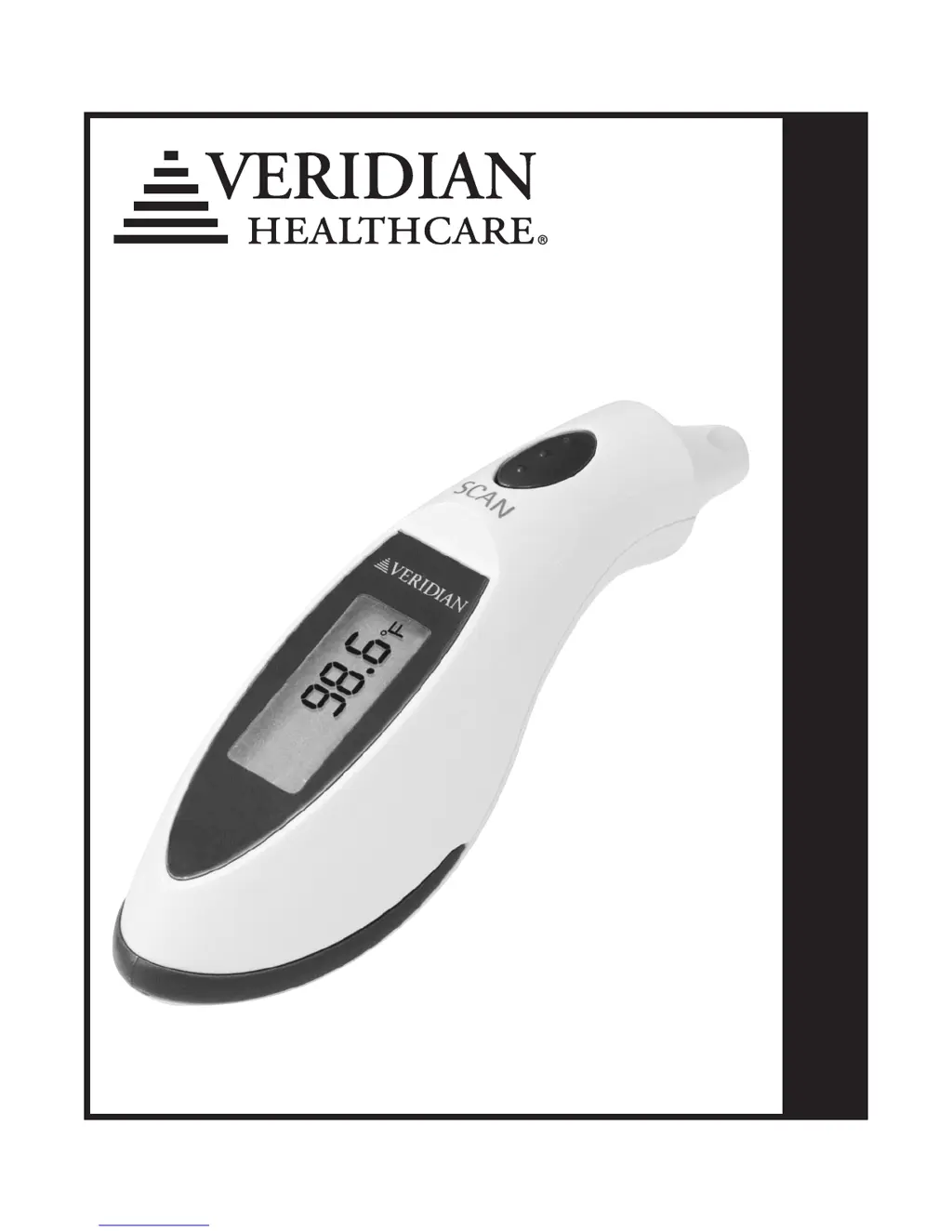
INSTRUCTION MANUALENGLISH & ESPAÑOL
Please read these instructions completely before
using your Instant Ear Thermometer
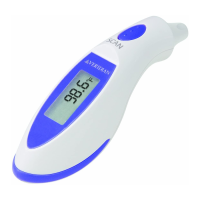
Instant Ear
Thermometer
Model 09-340

Questions and Answers

  • L
    Laura HarringtonAug 1, 2025
    What to do if my Veridian 09-340 is not turning on or has a battery problem?
    • N
      Nathan MillerAug 1, 2025
      If your Veridian Thermometer unit is off or you suspect a battery issue, first, press the SCAN button to activate the unit. Then, check the battery type and its polarity (position) within the unit. If needed, replace the battery.
  • J
    Joan HartAug 16, 2025
    What to do if the Veridian Thermometer measurement is below the normal range?
    • M
      maddenwilliamAug 16, 2025
      If the measurement on your Veridian Thermometer is below the normal temperature range, reposition the probe firmly into the ear canal and try again.

Summary

Introduction to Instant Ear Thermometer

Quick Tips for Using the Thermometer

Product Features and Symbols

How to Take an Accurate Temperature Reading

Changing Thermometer Modes

Recalling Stored Temperature Readings

Replacing the Thermometer Battery

Care and Safety Information

Cleaning and Storage Guidelines

Cleaning Instructions

Steps for cleaning the thermometer lens and casing using approved cleaning agents.

Storage Guidelines

Recommendations for storing the thermometer safely, including environmental conditions.

Troubleshooting Common Error Messages

Technical Product Specifications

Limited Lifetime Warranty Information

Veridian 09-340 Specifications

General IconGeneral
BrandVeridian
Model09-340
CategoryThermometer
LanguageEnglish

Related product manuals