
 Need help?
Do you have a question about the Verifi P2000 and is the answer not in the manual?
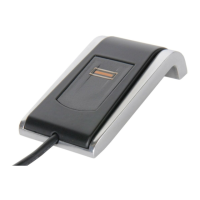
Install the Verifi P2000 Fingerprint Reader driver from the provided disc or website.
Connect the Verifi P2000 Fingerprint Reader to your computer's USB port.
Follow Windows Settings to enroll your fingerprint on the reader.
Log off and log in using your fingerprint to verify successful installation.
 General
| Brand | Verifi |
|---|---|
| Model | P2000 |
| Category | Card Reader |
| Language | English |

 To Next Page

