pg
11
THE BASICS
Dialing using the onscreen Dial Pad
1:
Press
Phone
.
2:
Enter the phone number by tapping the onscreen Dial Pad with the stylus.
3:
Tap
Dial
or press
Send
to make the call.
Dialing by contact name
You need to have names and numbers in your contact list before you can dial a call by
using a contact name (see the
User Guide
for information about adding contact names
and information).
1:
Press
Phone
.
2:
Select the
Contacts
favorite button.
3:
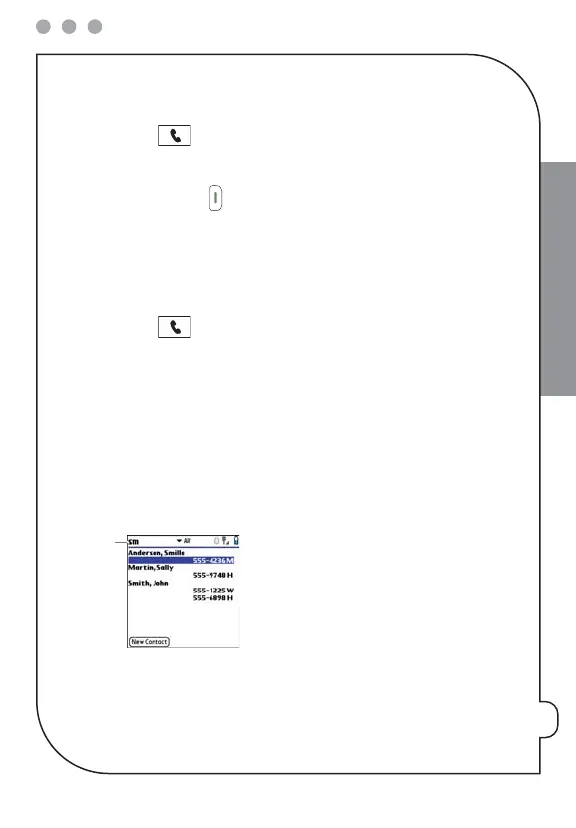
Using the keyboard, just start entering one of the following for the contact you
want to call:
•
First name (JOH for John)
•
Last name (SMI for Smith)
•
First initial and last name (JSM for John Smith)
*
Text appears here as you enter it


 To Next Page