Proprietary & Confidential Statement: This document and the information disclosed within, including the document structure and
contents, are confidential and the proprietary property of Verizon and are protected by patent, copyright and other proprietary
rights. Any disclosure to a third party in whole or in part in any manner is expressly prohibited without the prior written permission
of Verizon.
2.8
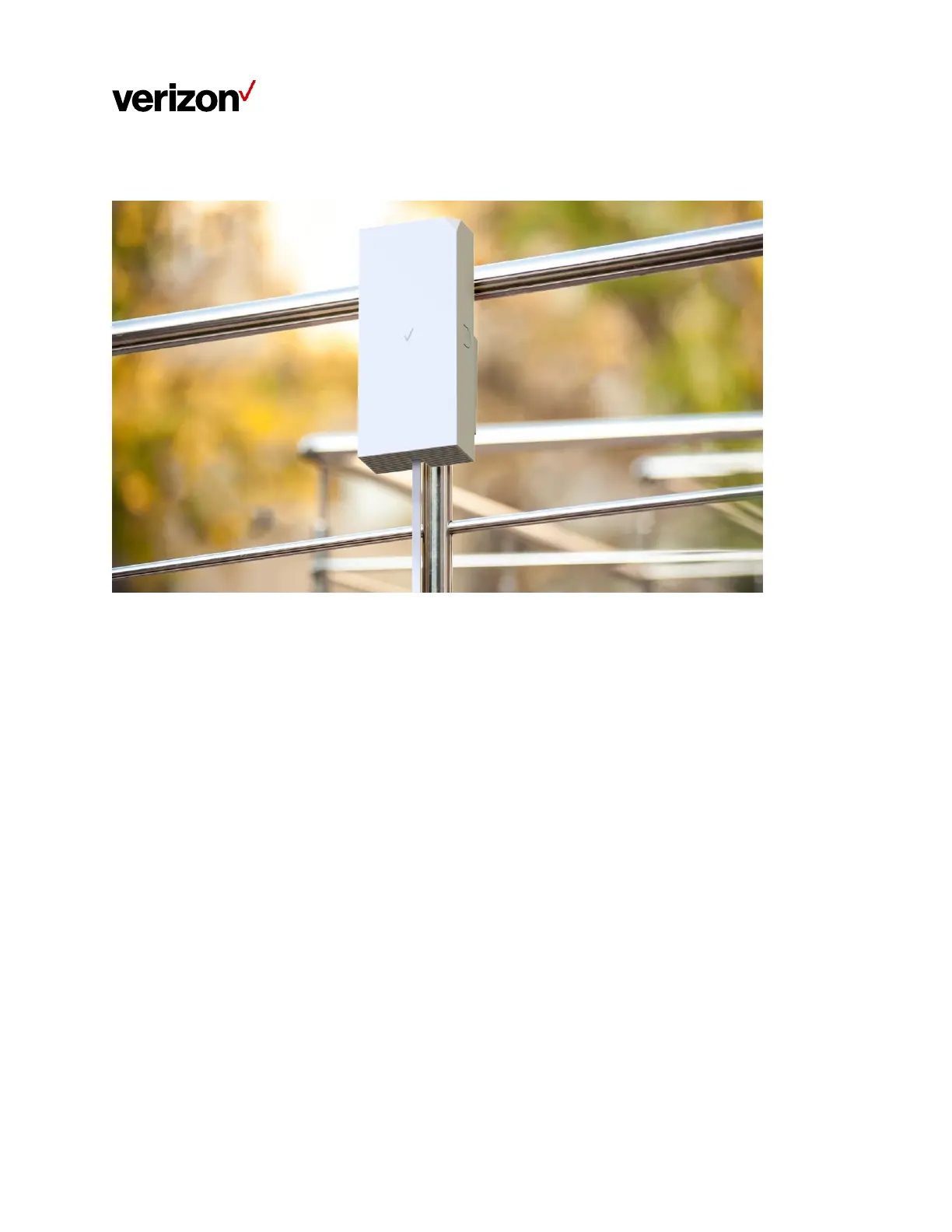
Outdoor Installation (Pole/Rail Mounting)
Step 1. Signal scanning
Hold the Verizon Receiver next to different locations on the pole/rail to perform signal scanning (hold
the device at a height above your head when doing so). Once a location with good signal strength is
found, the LED on the device will turn solid white. Affix a location sticker to the spot.
Note: When installed in an outdoor location, the device must be installed at a height above your head
to prevent people from standing directly in front of the device and in the line of sight between the
d
evi
c
e
a
n
d
th
e
5G
ba
s
e
s
t
a
ti
o
n
.


 To Next Page