4
Setting up your phone
Setting up your phone
Your phone already has a NANO SIM card installed. MicroSD cards
(capacity up to 256GB) may be purchased separately.
Install the SIM card /microSD card
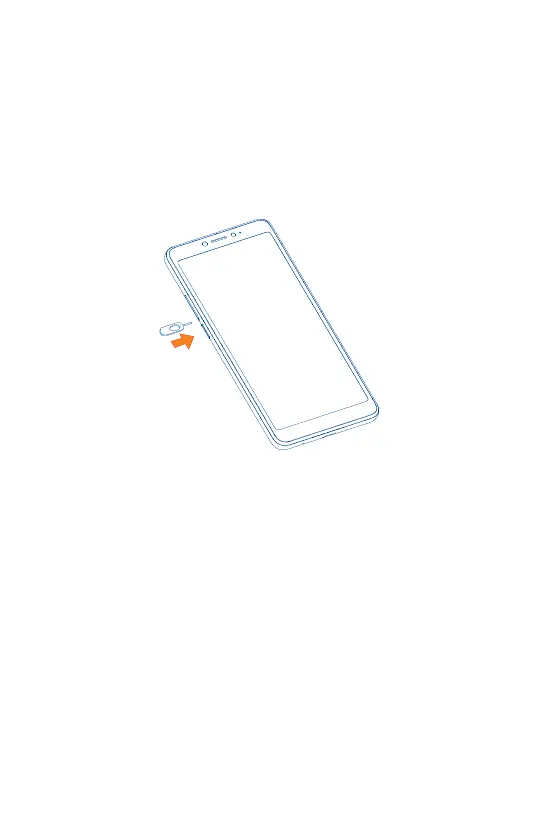
Step 1. If you need to replace the NANO SIM card and/or insert an optional
microSD card, use the SIM tool provided in the box to open the SIM tray.
Step 2. Remove the NANO SIM card/microSD card tray.



 To Next Page
 Loading...









