6
Setting up your phone
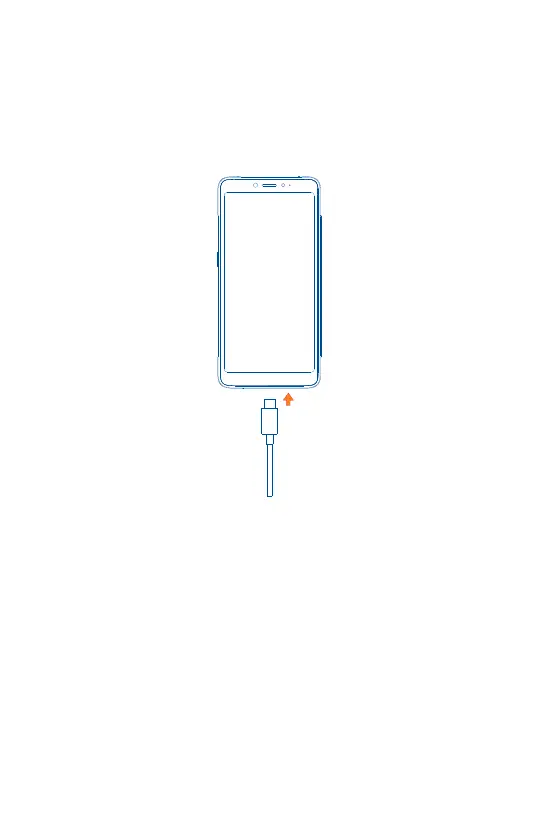
Charge your phone
You might need to charge the battery before using your phone by inserting
the small end of the charging cable into the charger port as shown.
Charge your phone fully before turning it on and starting the set up
process. Insert the other end of the USB cable into your wall charger and
plug it into a wall outlet.
WARNING: Only use the charger and cable supplied with your device.
Using incompatible chargers or tampering with the charger port could
damage your device and void the warranty.



 To Next Page
 Loading...









