2 3
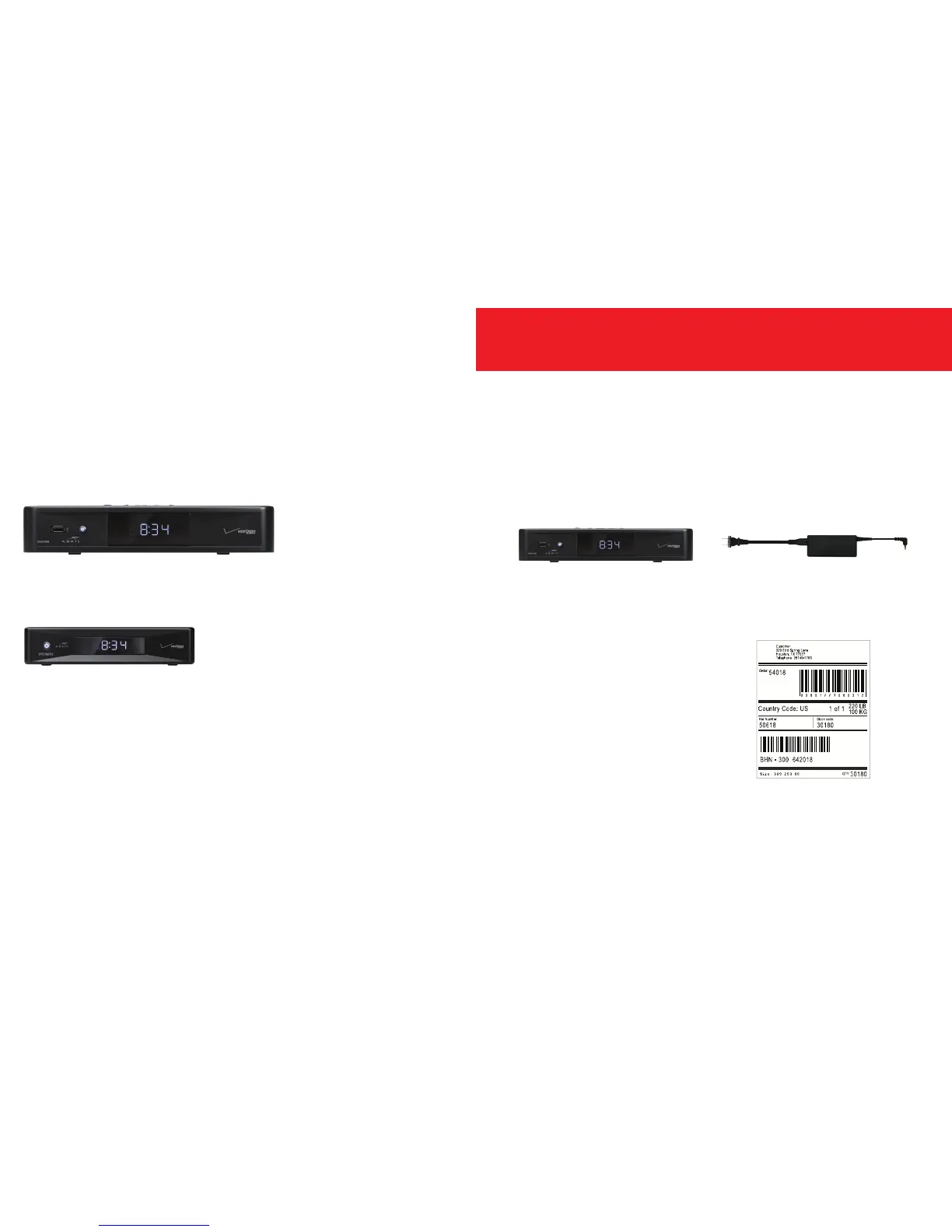
Video Media Server—go to page 2.
Media Client—go to page 4.
• Disconnect the Video Media Server you’ll be replacing.
• Keep the HDMI cable to use with your new
Video Media Server.
• Use the shipping box from your new equipment to pack up
your old Video Media Server and power cord.
• Seal the box and apply the return label
provided over the original shipping label.
• Take the box to any UPS location.
To find the location nearest you,
visit TheUPSStore.com or
call 1.800.789.4623.
Exchanging a Video Media Server?
You can exchange or add your
Fios TV equipment in just a few
simple steps.


 To Next Page