10 - connect connect - 11
Solid orange
Camera is on and booting up
Flashing orange
Camera is updating firmware
Flashing blue
Camera is recording, but
cannot reach the server
Solid blue
Camera is running, connected,
and streaming video
Status LED
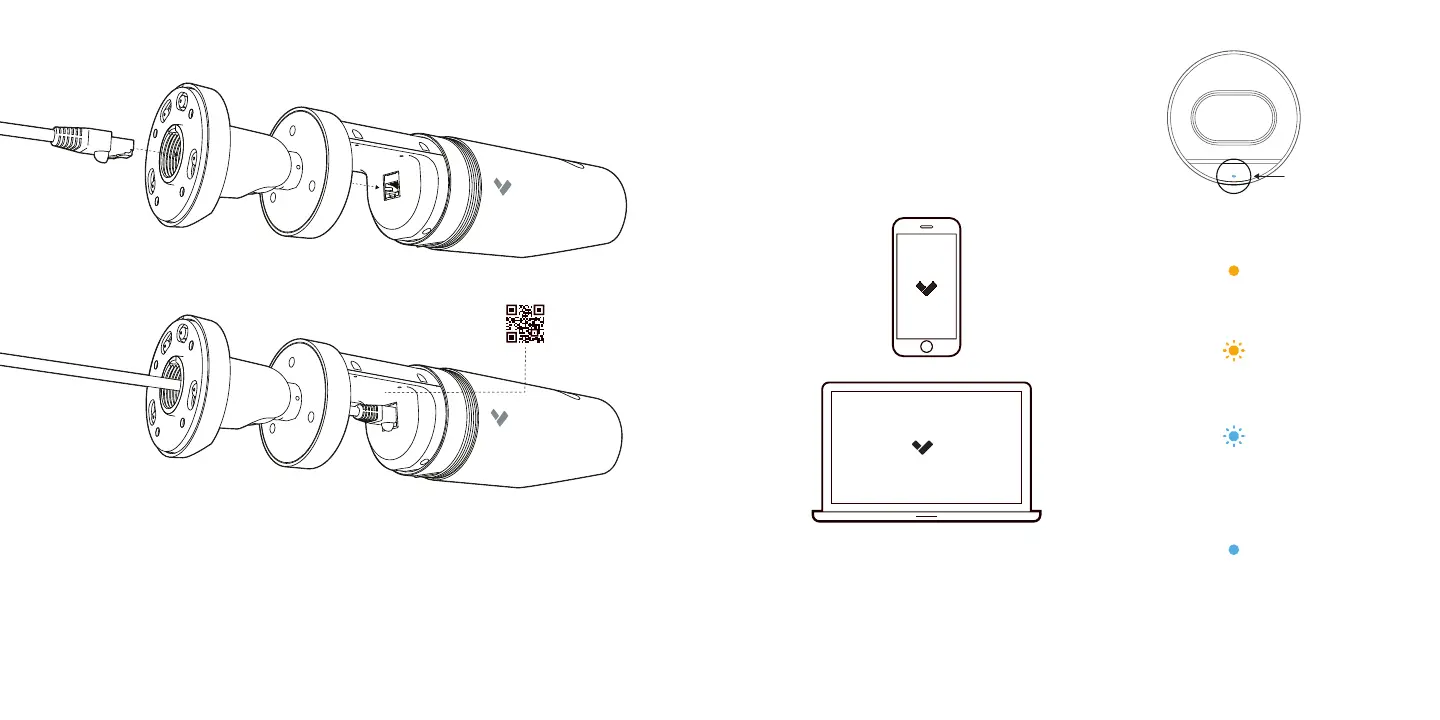
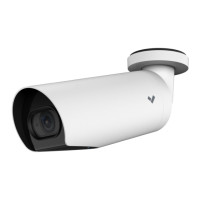
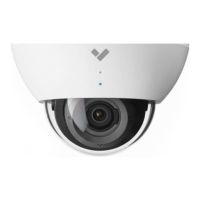
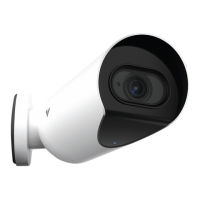
Connect CB51 / CB61 to an
802.3af/802.3at Power over Ethernet
(PoE) port on your network
Go to www.verkada.com/start
For detailed installation instructions,
visit www.verkada.com/support
Insert the ethernet cable into ethernet port. Scan the QR code for easy
camera registration and setup, or proceed to www.verkada.com/start.


 To Next Page