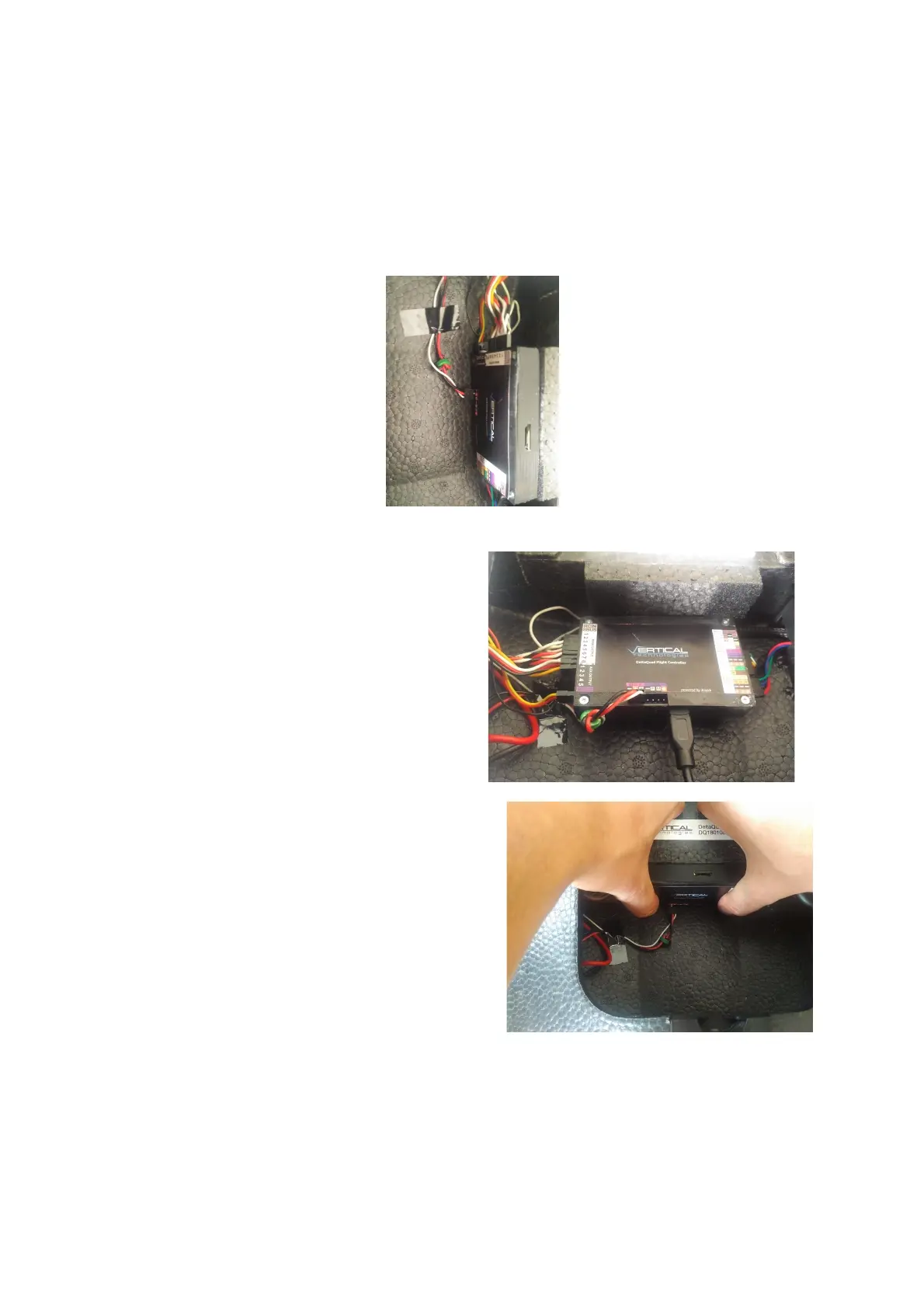
2. If needed you can remove the tape that holds the voltage sensor cable as shown in image 1.
3. Insert the micro-usb cable in the port, do not attach the usb cable to your computer yet
4. After the upgrade process, remove the usb cable and place the controller back on the velcro. The
controller should sit completely at the bottom.
5. Press the flight controller hard towards the velcro as shown in image 3
6. Inspect all connectors to make sure none have become (slightly) undone during the upgrade process as
shown in image 4



 To Next Page