
 Need help?
Do you have a question about the Vertilux VTi RE-LION CELTIC and is the answer not in the manual?
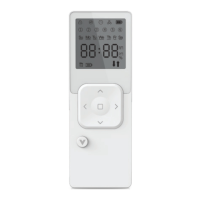
Details the remote's LCD display, components, and technical specifications.
Instructions for pairing motors with the timer remote control.
How to activate the timer mode on the remote control.
Entering and navigating timer program modes.
Selecting specific channels to include in a timer program.
Defining which days of the week the timer program will run.
Setting the time and position for shades to move to the UP state.
Setting the time and position for shades to move to the DOWN state.
Saving timer configurations and exiting the programming mode.
Enabling or disabling the remote's lock mode to prevent changes.
Restoring the remote to its original factory settings.
 General
| Brand | Vertilux |
|---|---|
| Model | VTi RE-LION CELTIC |
| Category | Remote Control |
| Language | English |

 To Next Page