NOTE:Some applications may require a miscroSDHC card to work
normally or may store certain data on it. Therefore,it is
recommended that you keep a miscroSDHC card installed and not
remove or replace it randomly.
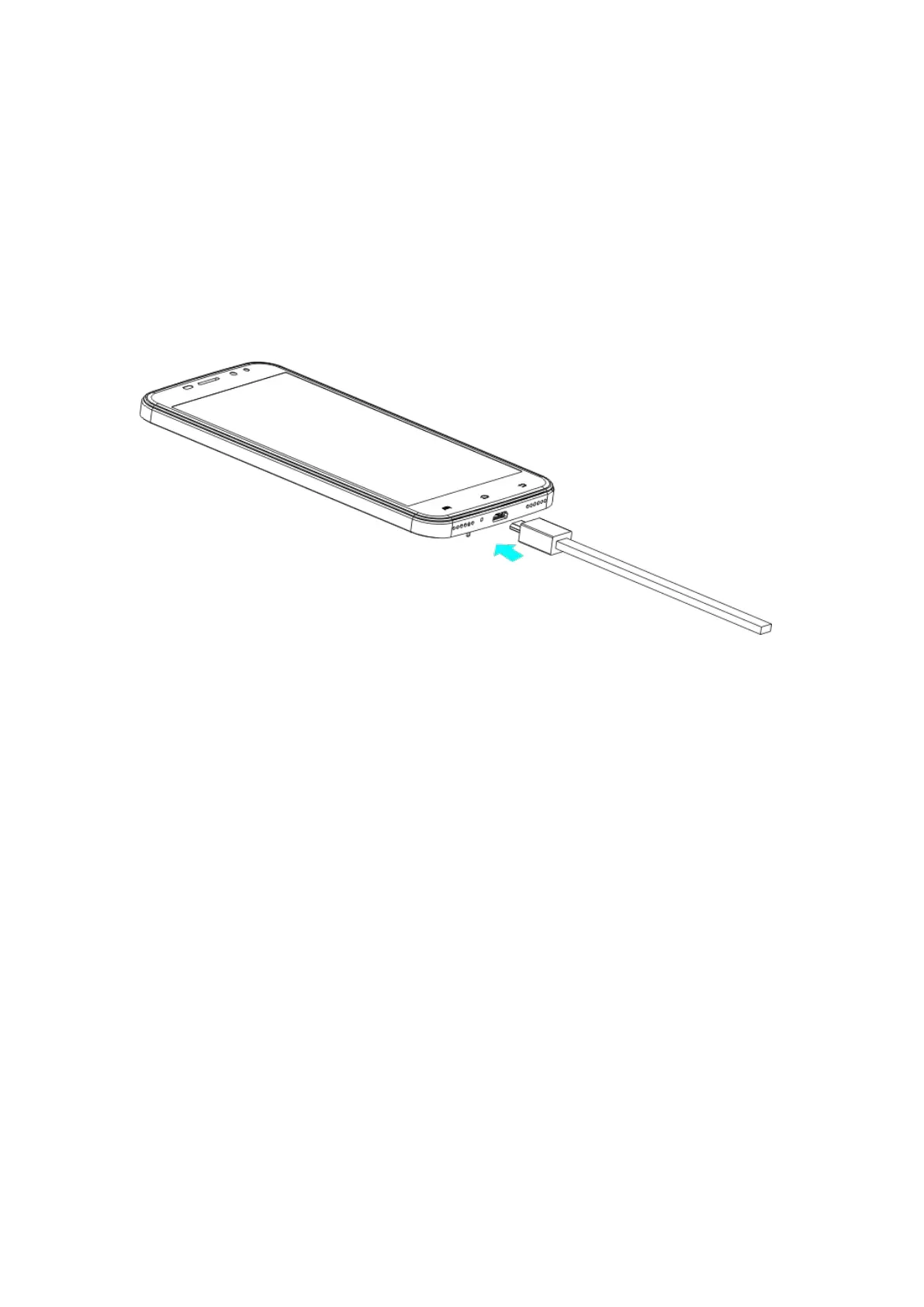
Charging the Battery
1.Connect the adapter to the charge jack.Ensure that the adapter is
inserte with correct orientation.
2.Connect thecharger to a standard AC wall outlet.
3.Disconnect the charger when the battery is fully charged.
WARNIMG!Use only IMO-approved chargers and cables.The use of
unapproved accessories could damage your phone or cause the
battery to explode.
Powering On/Off Your Phone
Make sure the battery is charged before powering on.
1.Hold the Power Key to switch on your phone.
2.To switch it off,hold the Power Key to get the phone options.Then



 To Next Page