EasyManua.ls Logo

Vesper AIS WatchMate 850 - User Manual

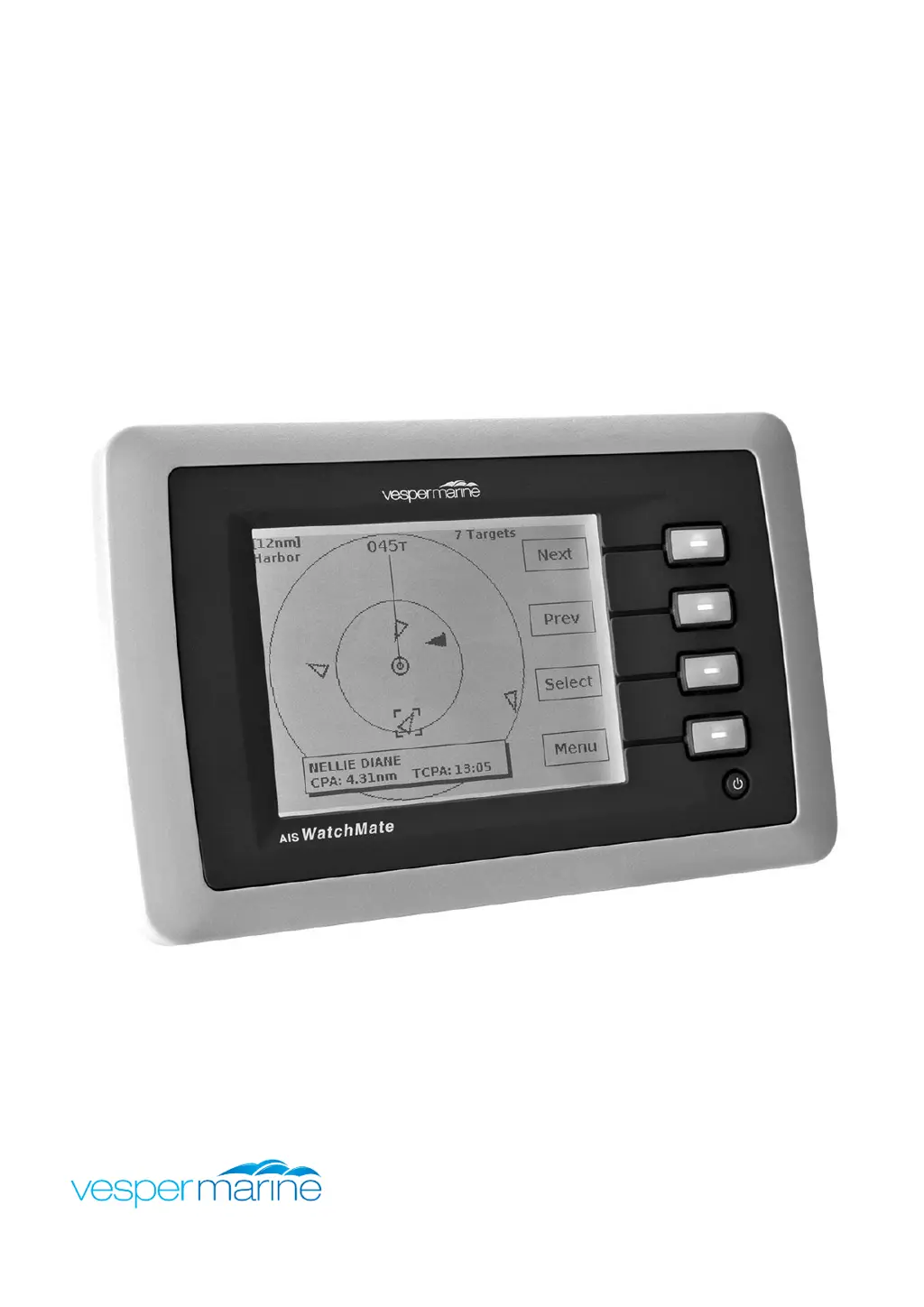
Vesper AIS WatchMate 850
62 pages
Print Icon
To Next Page IconTo Next Page
Loading...
WMX850-505F-1703
AISWatchMate
®
Class B AIS Transponder
WatchMate 850 Model WMX850

Table of Contents

Questions and Answers

  • M
    Marissa BrownAug 14, 2025
    Why does my Vesper Marine Radio sound alarms for every target?
    • K
      karen47Aug 14, 2025
      If your Vesper Marine Radio is sounding alarms for every target, use the setup to verify the “Guard alarm range” setting for the current profile. If this setting is set to “ALL”, then every target will trigger an alarm.
  • D
    Dylan HoAug 21, 2025
    What to do if CPA alarm doesn't sound on Vesper AIS WatchMate 850?
    • W
      William ShawAug 21, 2025
      If the CPA alarm on your Vesper Marine Radio isn't working, here are some things to check: 1. Verify the selected profile on the situation display or by choosing the Profile item from the main menu. 2. Use the setup to verify the CPA alarm parameters for the current profile. 3. Ensure the “CPA alarm” setting is enabled and set to a value greater than the range of the target in question. 4. Make sure the “CPA alarm - Time” setting isn't set too low. 5. Check the “CPA alarm – Target speed” and “CPA alarm – Your speed” settings.
  • T
    Tracy SavageAug 28, 2025
    How to fix Vesper AIS WatchMate 850 Marine Radio display shutting off?
    • T
      tina81Aug 28, 2025
      If the display on your Vesper Marine Radio shuts off, check to see if the “Turn display off when idle” setting is enabled.
  • S
    Stephen MendezNov 5, 2025
    What to do if Vesper AIS WatchMate 850 Marine Radio shows 'CHECK ANTENNA CONNECTIONS' error?
    • P
      Patrick CamposNov 5, 2025
      If your Vesper Marine Radio displays a 'CHECK ANTENNA CONNECTIONS' error, verify that your antenna, cable, and connections are in good working order. Most problems stem from an open or shorted connector, so use a meter to check them. Consult your antenna manufacturer to determine whether your antenna should meter open or shorted. Ensure your VHF antenna is mounted well away from other antennas (3m is best) and away from parallel metal structures like a mast or rigging. Although a marine VHF antenna may usually be used, AIS frequencies are at the high end of the marine VHF band, and some antennas may have high VSWR levels when used by AIS. Note that some firmware versions may automatically put the transponder in Silent Mode to prevent damage to your unit or antenna system. Once you've addre...

Summary

Safety, Warnings, and Regulatory Information

General Warnings

Provides essential safety advice and general cautions for using the AIS WatchMate.

VHF Antenna and RF Emissions Warnings

Details critical safety precautions for VHF antenna connection and warnings about RF emissions.

MMSI Programming and GPS Antenna Considerations

Highlights MMSI programming rules and considerations for GPS antenna performance.

Product Specifications and Installation

Product Specifications

Lists the detailed technical characteristics and performance parameters of the AIS WatchMate.

Installation Guide

Covers the requirements, mounting, antenna installation, and device connections.

Installation Requirements and Antenna Setup

Details prerequisites, licenses, and guidance for VHF and GPS antenna installation.

Device Connections

Explains how to connect power, data, external alarms, and other peripherals.

Device Configuration and Basic Operation

Vessel Configuration

Guides users through setting up essential vessel details for transmission.

Entering MMSI and Vessel Details

Details the process of entering MMSI, vessel name, and type for transmission.

Power Button and Controls

Describes the function of the power button and the four main operational buttons.

Display Screens Overview

Introduces the various display screens, including situation display, target management, and AIS status.

Situation Display

Explains the radar-like graphical display of targets and navigation information.

Target Management

Covers viewing target lists, detailed target information, and CPA graphical display.

AIS Status Display

Shows how to monitor the transponder's operational status and identify potential issues.

Setup Mode and Profile Management

Explains how to access setup mode, configure settings, and manage operational profiles.

Target List Settings

Configures how targets are displayed and sorted in the target list.

Alarm Settings Configuration

Allows customization of various alerts and alarm parameters for different scenarios.

Advanced Features and Support

Using the Anchor Watch Feature

Describes how to set up and use the anchor monitoring and alarm system.

Target Filters and Alarms

Explains how to configure filters to manage target display and set up target alarms.

Troubleshooting Common Issues

Provides solutions for frequently encountered problems and error messages.

Warranty and Service Information

Outlines the product warranty terms and procedures for obtaining service.

Obtaining Warranty Service

Provides contact details and requirements for requesting warranty support.

Vesper AIS WatchMate 850 Specifications

General IconGeneral
TypeAIS Receiver
AIS TransmissionNo
AIS ReceptionYes
DisplayLCD
NMEA 0183 OutputYes
Integrated GPSYes
External AlarmYes
WaterproofYes
Operating Temperature-15°C to +55°C
Waterproof RatingIPx7
InterfaceNMEA 0183
Power Supply12V DC
Frequency Range156.025 MHz to 162.025 MHz