Example for DIP switch setting Special functions
The table below shows the various setting options.The position of S1
determines whether day or week function was selected.
Preset default
setting:
Day function (S1 = OFF)
No Astro correction time (S6 = OFF)
No reverse function (S7 and S8 = OFF)
Day
Y123$5678X
Example of the DIP switch position for North-Rhine Westphalia.
For other states, please see pages 50 and 51.
For DIP switch S6, see page 49, for S7 and S8 see page 52.
Week
Y!wert678X
DIP switches S2 – S5 do not have any function for this setting.
For DIP switch S6, see page 49, for S7 and S8 see page 52.
- 53 - G
Troubleshooting
The roller shutter does not move up and down automatically.
· Is the power supply connected?
(The display flashes in case of power failure)
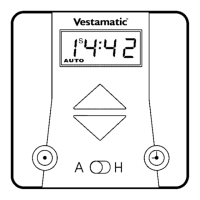
· Is the selector switch set to automatic (A)?
· Check, if the programmed up and down times are still stored in the
memory by shortly tapping the up or down button in automatic
mode.
- 54 -G


 To Next Page