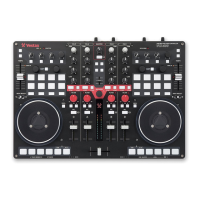
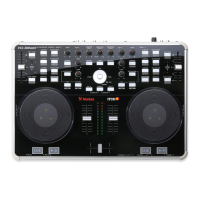
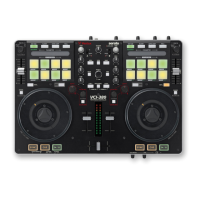
NOTE: SHIFT button is used with other buttons that have shift modier functions
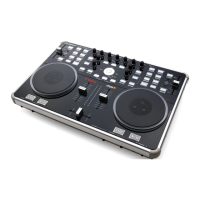
Numark N4 Control Function SHIFT Function
1 PLAY/PAUSE Play/Pause track Stutter Play
2 PLATTER Touch the top to scratch or jog. Moving the outside of the wheel will jog.
3 + Pitch bend up
4 - Pitch bend down
5 SYNC Sync On
6 TEMPO FADER Adjust Tempo
7 DRY/WET (FX1/2) Adjust FX UNIT 1/2 Slot 1 FX Parameter
8 EQ Adjust the High, Mid and Low Frequencies for each channel
9 NAVIGATION Library Scroll Up/Down or LOAD 1/2 to load track to selected deck (Tap
twice for Instant Double)
10 SONG LIST Toggle open panels
11 SHIFT The SHIFT button is used with other buttons that have shift modier
functions
12 FX 1/2 FX UNIT 1/2 Slot 1 Effect On/Off
13 GAIN Adjust gain for selected channel
14 LED METER Monitors the audio levels of the Master Output
15 OUTPUT Adjust Master Output
16 LOOP SET Auto Loop On/Off
17 LOOP - Halve Loop Length
18 LOOP + Double Loop Length
19 CUP Stutter Play Load Next Track
20 CUE Add/Trigger temporary cue Jump to start of track (more than 2 Sec
elapsed) Previous track (less than 2 sec
elapsed)


 To Next Page