EasyManua.ls Logo

Vesync LAP-V201S-WUS - User Manual

Default Icon
28 pages
Print Icon
To Next Page IconTo Next Page
Loading...
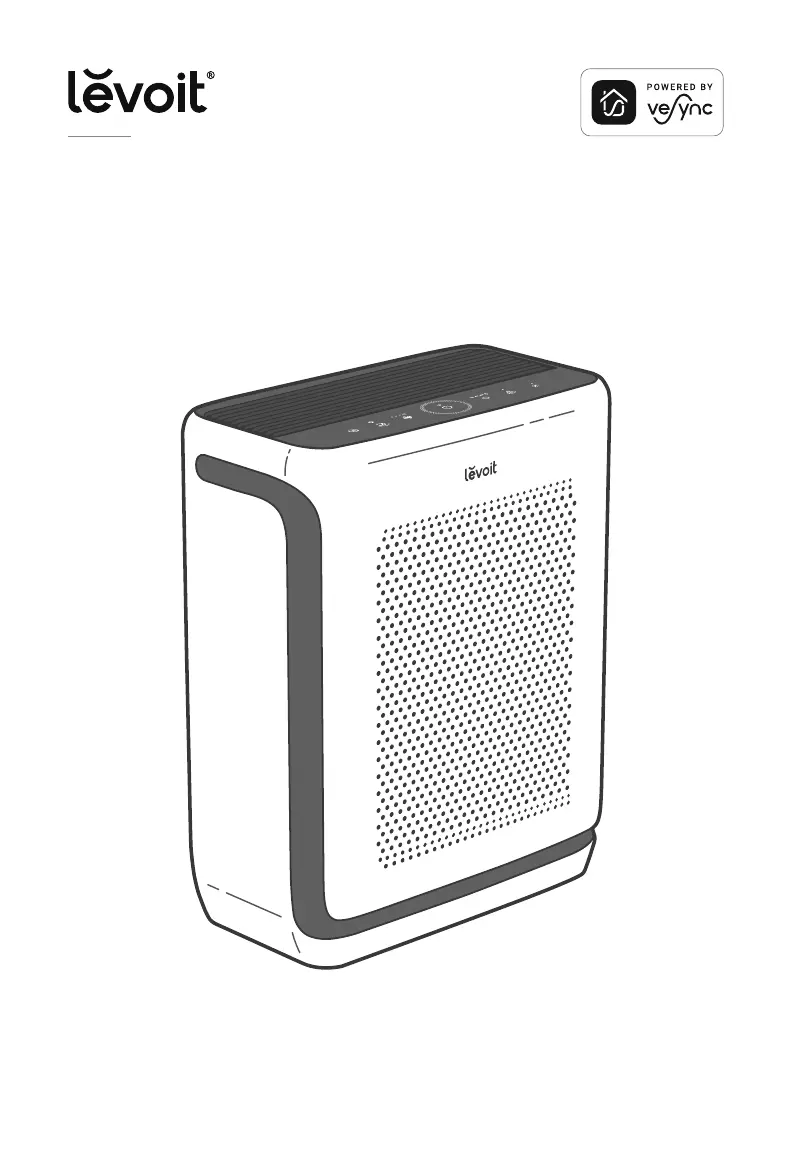
Vital 200S
Smart True HEPA Air Purifier
Questions or Concerns?
Please contact us Mon–Fri, 9:00 am–5:00 pm PST/PDT
at support@levoit.com or at (888) 726-8520.
USER MANUAL

Questions and Answers

Summary

Safety Information

General Safety Precautions

Essential user safety guidelines, handling instructions, and environmental precautions for the air purifier.

Power and Electrical Safety

Specific warnings and advice for safe operation concerning the power adapter, cord, and electrical connections.

Product Overview and Setup

Understanding Your Air Purifier Components

Identifies and explains the main parts, controls, and display indicators of the air purifier through diagrams.

Initial Setup and Installation Guide

Step-by-step instructions for unpacking, assembling, and preparing the air purifier for first use.

Using Your Air Purifier

Operating Modes and Fan Speed Control

Details on using Auto Mode, Sleep Mode, Pet Mode, and adjusting fan speeds for effective air purification.

Advanced Functions and Customization

Explanation of features like Light Detection, Timer settings, Display Off, and Display Lock for personalized use.

VeSync App Connectivity and Smart Control

Guide to connecting the air purifier to the VeSync app for remote control, monitoring, and smart functionalities.

Filter Management and Maintenance

Filter Types and Air Purification Performance

Describes the Washable Pre-Filter, H13 True HEPA Filter, and Activated Carbon Filter and their roles in air purification.

Routine Cleaning and Care Procedures

Instructions for cleaning the air purifier's exterior, interior, dust sensor, and the removable pre-filter.

Filter Replacement and Indicator Reset

Guidance on when to replace the main filter and how to reset the Check Filter Indicator after replacement.

Troubleshooting and Support

Resolving Common Operational Issues

Solutions for common problems such as power, airflow, noise, and air quality concerns.

VeSync App and Connectivity Troubleshooting

Steps to fix issues with app connection, purifier offline status, and general VeSync app usage.

Product Warranty and Customer Assistance

Information on product warranty coverage, limitations, and contact details for customer support.

Vesync LAP-V201S-WUS Specifications

General IconGeneral
ModelLAP-V201S-WUS
Product TypeAir Cleaner
Filter TypeHEPA Filter
Timer1-12 hours
Fan Speeds3
ColorWhite
Features3-Stage Filtration, Child Lock
Control TypeTouch Control, App Control
Voltage120 V
Smart FeaturesWi-Fi Connectivity

Related product manuals