EasyManua.ls Logo

VET-PRO VIP 2000 - User Manual

VET-PRO VIP 2000
60 pages
Print Icon
To Next Page IconTo Next Page
Loading...
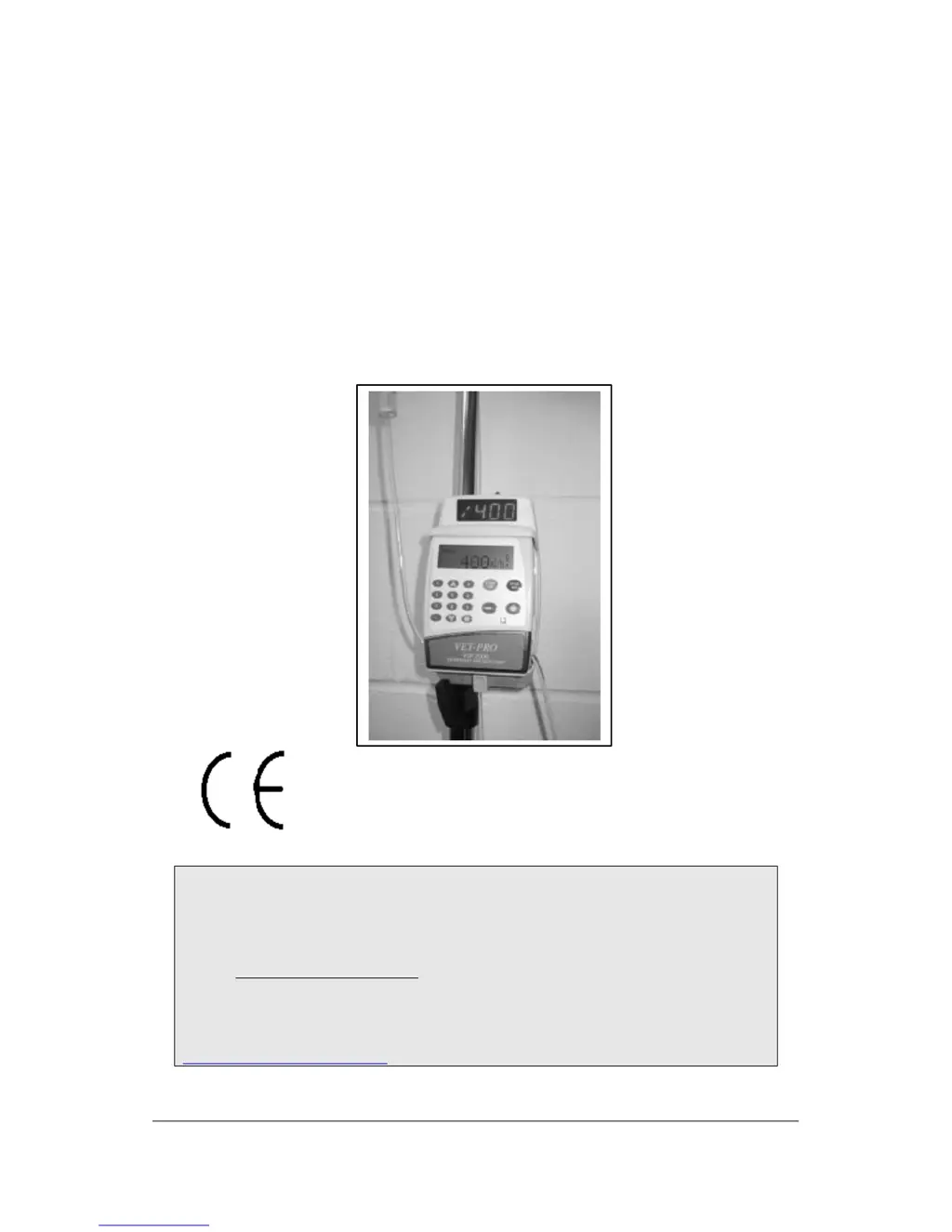
VET-PRO
VIP 2000
VETERINARY INFUSION PUMP
OPERATORS MANUAL
0473
Distributed in the U.K by:
Burtons Medical Equipment Ltd
Units 1 - 4 Guardian Industrial Estate
Pattenden Lane Marden Kent TN12 9QD UK
Email: info@burtons.uk.com
Tel (SALES) : 01622 834300 Fax: 01622 834330
URL:WWW.burtons.uk.com
EDITION MARCH 2002
Ref.: 100-090VX

Questions and Answers

  • J
    James McculloughAug 3, 2025
    What to do if VET-PRO VIP 2000 shows downstream occlusion?
    • S
      Scott GuerreroAug 3, 2025
      If your VET-PRO Medical Equipment indicates a downstream occlusion, several factors could be the cause. Check if the roller clamp is closed and open it. Ensure the set is not kinked; straighten it out if necessary. Verify that the administration set is loaded correctly; reload it according to the instructions. The cannula might be blocked, so consider changing it. Low temperature can affect tubing elasticity, so warm the liquid and bring the tubing to room temperature (above 19°C). You may also need to adjust the pressure setting.
  • D
    Diane MillsAug 10, 2025
    How to remove air from the line in VET-PRO Medical Equipment?
    • L
      ledwardsAug 10, 2025
      If you find air in the line of your VET-PRO Medical Equipment, it could be due to air present in the administration set or a closed roller clamp. If air is in the administration set, disconnect the patient, press the STOP/NO key, and remove the air as described. After flushing, press the START/OK key to resume the program. Also, check that the roller clamp above the pump is open.
  • M
    Mr. Christopher Stewart DDSAug 18, 2025
    What to do if VET-PRO Medical Equipment displays 'Door Open'?
    • M
      meadowsdeniseAug 18, 2025
      If your VET-PRO Medical Equipment displays a 'Door Open' message, it means the pump door was not properly closed before starting the operation. Ensure that the door is fully closed.
  • D
    Destiny HahnAug 26, 2025
    Why does VET-PRO VIP 2000 Medical Equipment show 'Pump Unattended'?
    • M
      Michael AndersonAug 26, 2025
      The 'Pump Unattended' message on your VET-PRO Medical Equipment indicates that no key has been pressed for 2 minutes. Press the START/OK key to continue.

Summary

LIMITED WARRANTY

Safety Precautions and Guidelines

Personal Safety Measures

Precautions to avoid personal injury or loss of life when operating the pump.

Patient Safety During Infusion

Measures to ensure patient safety during infusion operations.

Pump Components and Initial Setup

Understanding Flow Rate Curves

Explanation of performance metrics using trumpet and start-up curves.

Loading the Administration Set

Guide on correctly inserting the IV tubing set into the pump.

Flush Function (Priming)

Procedure for flushing the administration set to remove air before or after use.

VET-PRO Programs and Settings

PCA Program Configuration

Configuration steps for Patient Controlled Analgesia (PCA) programs.

PCA Program Epidural Mode

Specific settings and considerations for the epidural mode in PCA.

Advanced Features, Troubleshooting, and Maintenance

Program Locking and Battery Management

Explains program locking and details on battery operation and care.

Troubleshooting and Setting Adjustments

Resolving issues, understanding setting options, and making adjustments.

VET-PRO VIP 2000 Specifications

General IconGeneral
ModelVIP 2000
Battery Life4 hours
CategoryMedical Equipment
Parameters MonitoredECG, SpO2, NIBP, Temperature, Respiration
Power Supply100-240VAC, 50/60Hz