EasyManua.ls Logo

Vetland V1410 - User Manual

Vetland V1410
113 pages
Print Icon
To Next Page IconTo Next Page
Loading...
P/N V14xx-000
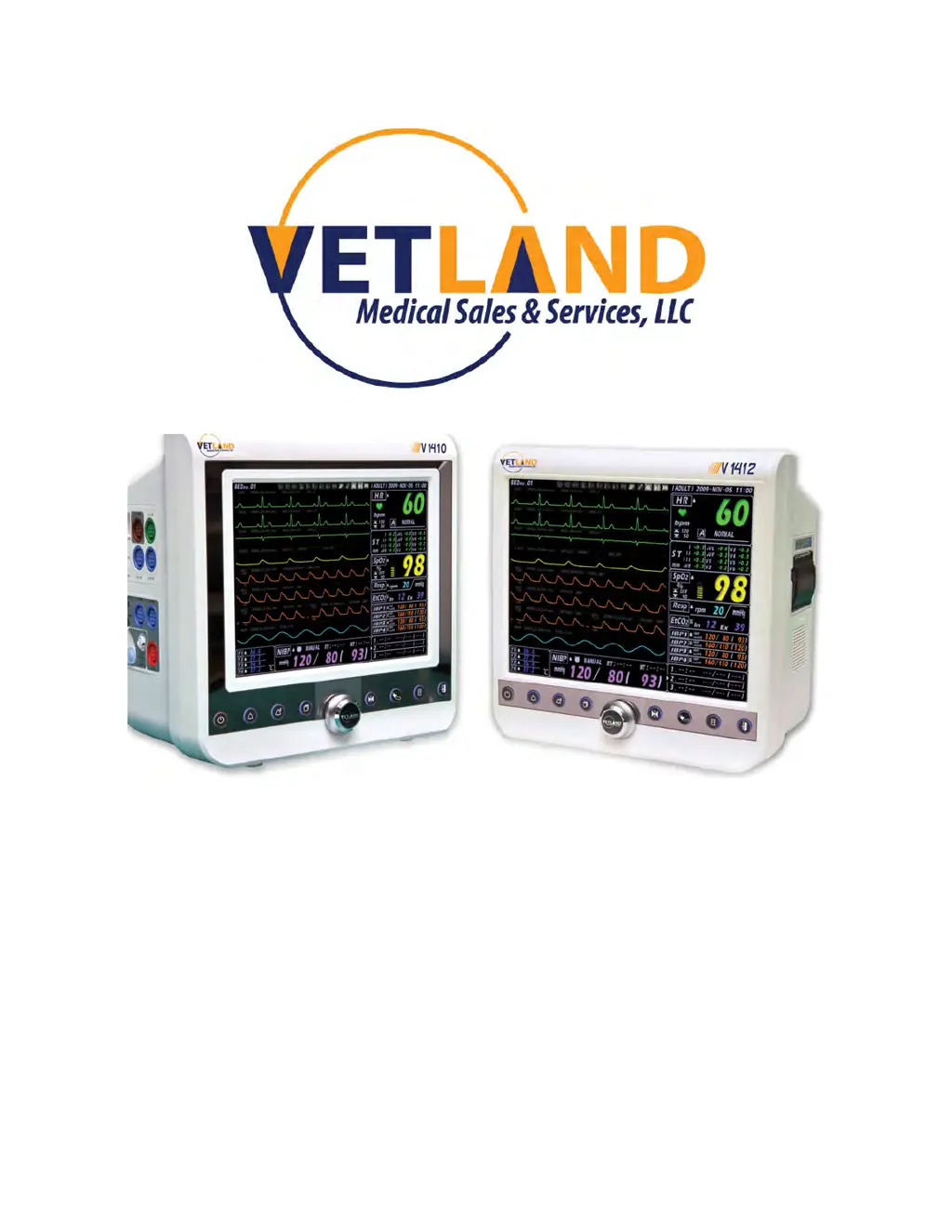
Model V1410/V1412
Veterinary Patient Monitor
User Manual

Table of Contents

Questions and Answers

  • J
    joseph14Aug 10, 2025
    How to turn on Vetland Medical Equipment?
    • K
      Kathryn RobinsonAug 10, 2025
      If your Vetland Medical Equipment is not powering on, first ensure that the main switch located at the back of the monitor is turned on. Next, check that AC power is properly supplied to the device. Finally, press the power button for at least 2 seconds to see if the device starts.
  • M
    Matthew ShortAug 15, 2025
    What to do if Vetland Medical Equipment displays “LEAD FAULT”?
    • D
      David DavenportAug 15, 2025
      If the message “LEAD FAULT” appears on your Vetland Medical Equipment, first, check the ECG cable to ensure it is in good working condition and properly placed on the patient. If the problem persists, try replacing the ECG cable.
  • T
    tracybrownAug 20, 2025
    Why does Vetland Medical Equipment turn off suddenly?
    • S
      Steven MartinezAug 20, 2025
      If your Vetland Medical Equipment suddenly turns off during use, verify that AC power is consistently being supplied to the monitor. If you are using battery mode, ensure that a charged battery is correctly connected.
  • C
    Curtis FreemanAug 25, 2025
    How to fix severe noise on Vetland Medical Equipment waveform?
    • T
      Todd CurtisAug 26, 2025
      If you are experiencing severe noise on the waveform of your Vetland Medical Equipment, take the following steps: 1. Make sure the electrode attached to the patient is stable. 2. Verify the ECG cable is the type recommended by Vetland Medical with proper shielding. 3. Ensure the unit is not near electrosurgical or other devices emitting electromagnetic interference.
  • D
    David RiveraAug 30, 2025
    What to do if Vetland Medical Equipment waveform is not normal?
    • J
      joseph79Aug 30, 2025
      If the waveform on your Vetland Medical Equipment is not normal, check the following: * Ensure there is no equipment with strong magnetism around the monitor. * Verify that the cable connection is stable. * Confirm that the monitor is properly grounded.
  • J
    jacksonkatherineSep 4, 2025
    What to do if ECG waveform is not displayed on Vetland Medical Equipment?
    • P
      pattersonrichardSep 4, 2025
      If the ECG waveform is not displaying on your Vetland Medical Equipment, check that the cable connection is stable and ensure the ECG cable is not damaged.

Vetland V1410 Specifications

General IconGeneral
BrandVetland
ModelV1410
CategoryMedical Equipment
LanguageEnglish