Instructions for exporting nc and gc format files
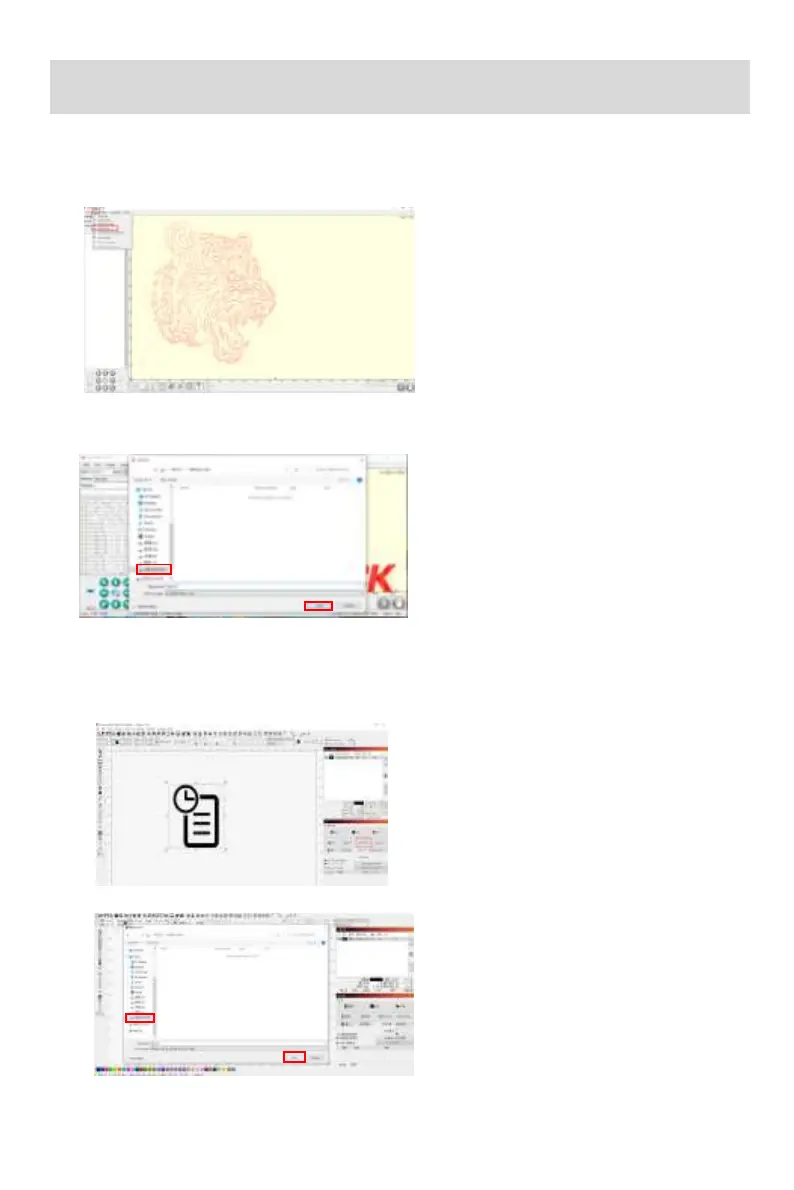
1.Import the picture to be engraved or cut into laserGRBL. After setting the
engraving speed and energy parameters etc., click File, and select Quick Save
1.LaserGRBL software
2.Select TF card as the save path, click Save to generate nc file.
1.Import the picture to be
engraved or cut into Lightburn.
After setting the engraving
speed and energy parameters
etc., click Save Gcode.
2.Lightburn software
2.Select TF card as the
save path, click Save to
generate gc file.



 To Next Page