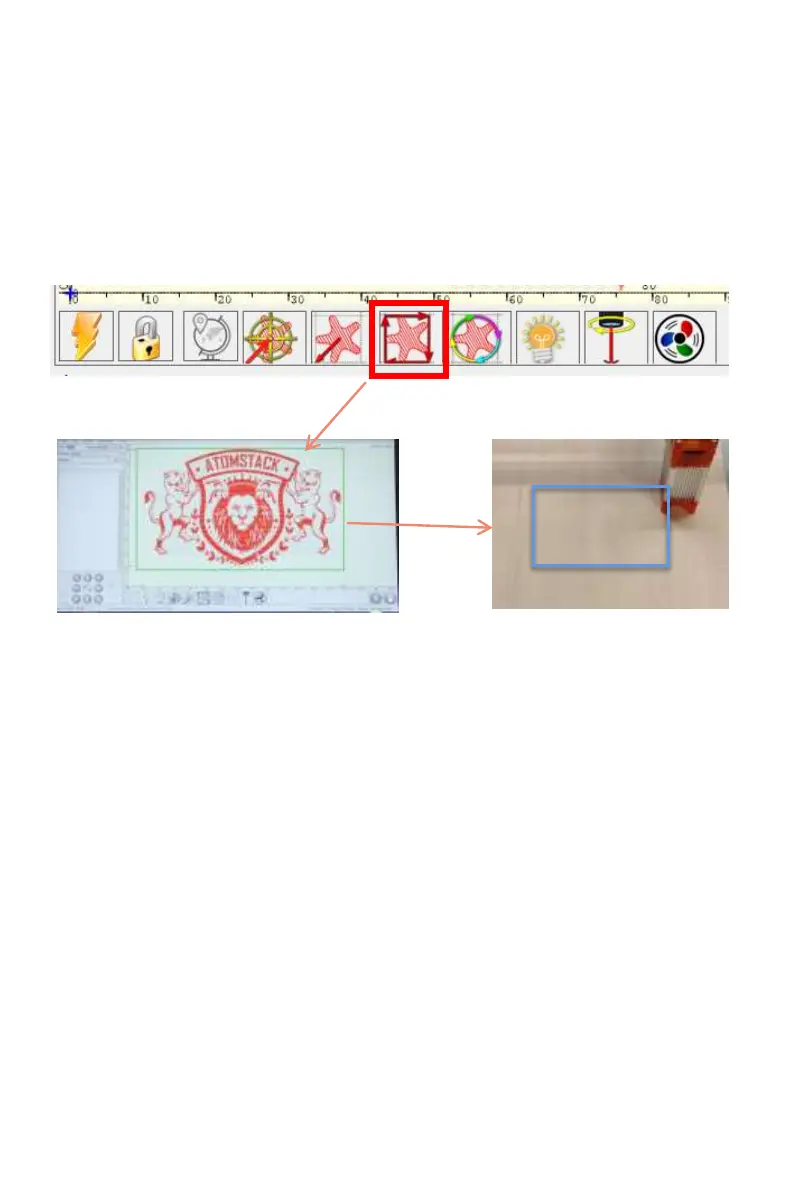
D. Click "Profile Scan" button, the laser will start to scan the outer
contour of the pattern on the computer, you can change the position of
the engraved object again according to the scanned outer contour
position. Besides, You can click on the "wrap-around" button for several
times until the outer contour is at the position you want to engrave.
Step3: Profile Scan
3



 To Next Page