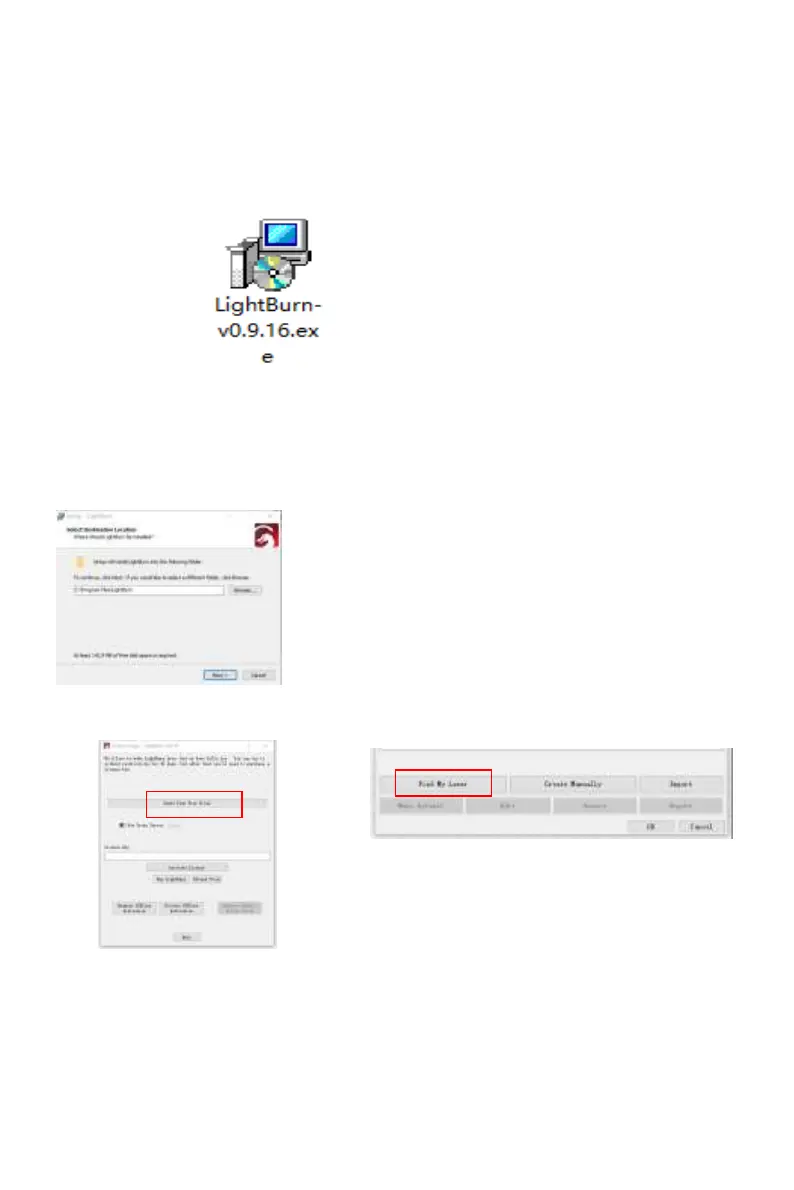
Double-click on the installation package to install and click "Next" in the
pop-up window.
(Note: LightBurn is a paid software, for better experience we
recommend you buy the original one, here we will demonstrate the
installation of the trial version)
We can download the installation package from the LightBurn website:
Picture3:
LightBurn
Software package
Picture 4:
Select the
installation path
Click Start Your Free Trial(Picture 5)
Picture 5:Choose
a free trial
Click Find My Laser (Picture 6)
Picture 6:Click”Find my laser”
9. LightBurn Installation Tutorial
https://lightburnsoftware.com/
We can download the installation package from the LightBurn website:



 To Next Page