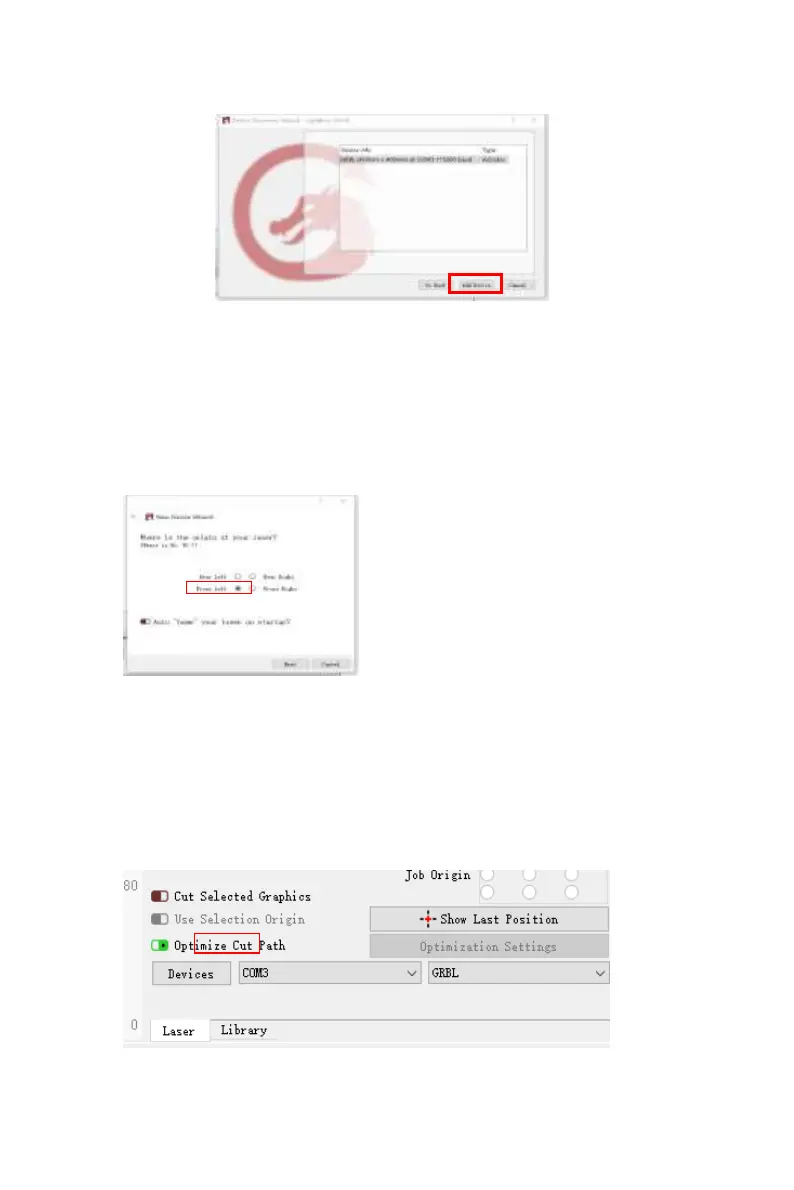
Picture 8:set the origin in
the Front left.
If the computer cannot be connected to the machine, we can try
to select different ports of the laser engraving machine, as shown
in the image below. If it still doesn't work, please contact our
customer service
To set the origin, we usually set the origin
in the front left.
Click Find My Laser (Picture 7)
Picture 7:Click GRBL,then Click add Device



 To Next Page