Tighten the locking screw on the tool holder, cover and fix it; use a piece of
paper to try cutting, if the cutting is continuous, you can re-adjust according
to the above steps.
Blade replacement (please follow the steps carefully)
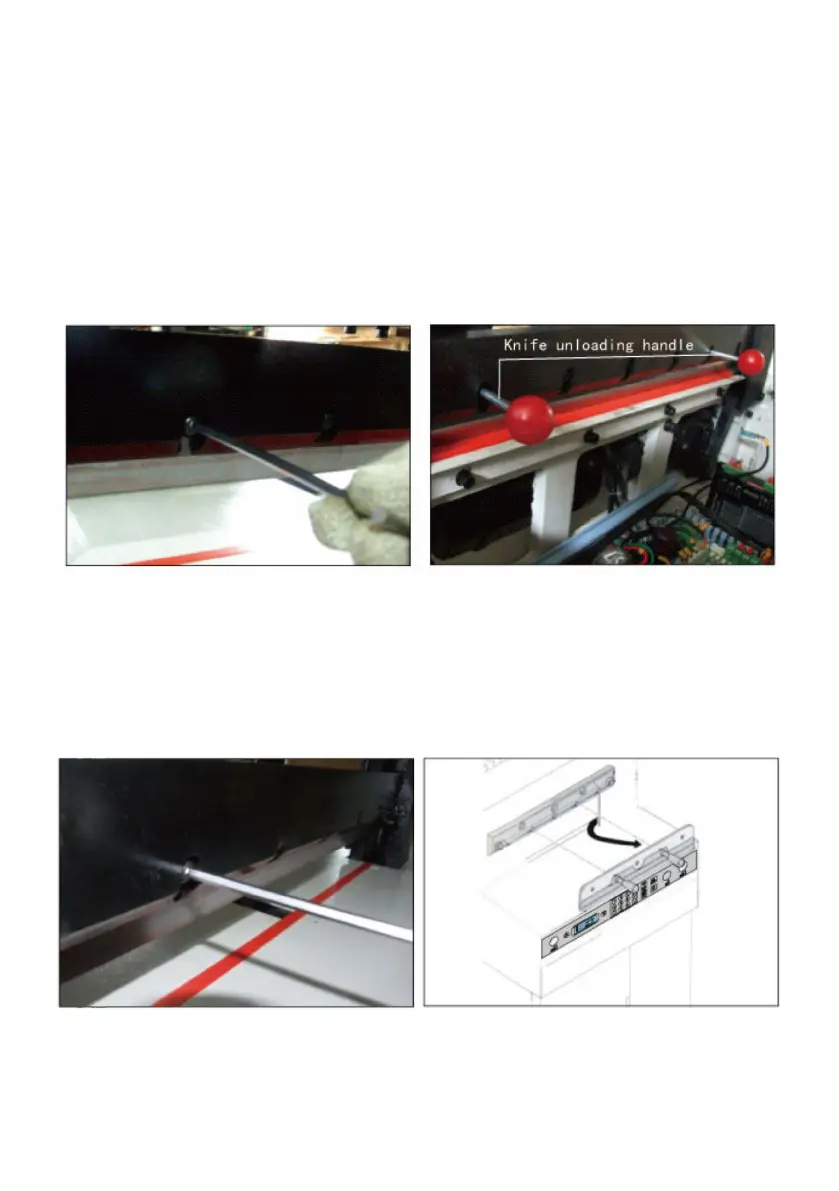
Open the upper cover; loosen and remove the locking screws with
openings on the tool holder, screw the two cutter screws into the opening
holes in a clockwise direction and secure the locking
Remove the other locking screws from the tool holder; turn the two cutter
screws half a turn counterclockwise and remove the blade downwards.
Please wear gloves or wrap the blade in cloth and put it into the knife box
to avoid scratches.


 To Next Page