RF Sensor
EF Sensor MF Sensor
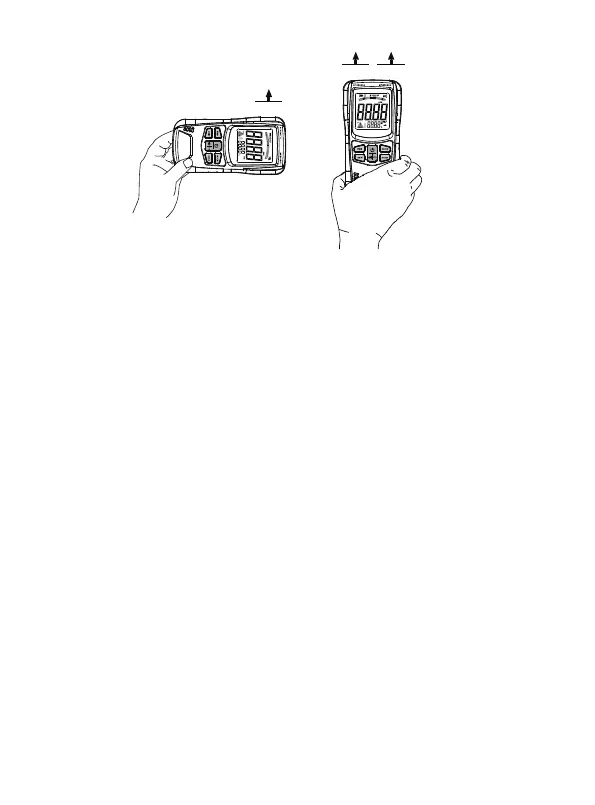
Figure 3
Default electric field ( EF ) measurement mode after power-on, and
short press the " MODE " button to switch the measurement mode.
Try different angles approaching the radiation source while making
measurements. The highest radiation intensity indicated by the
tester is the most accurate measurement result.
Do not cover the sensors with your hand or other objects while
holding the tester.
During detection, ensure that there are no metals or other
conductive materials in the vicinity of the measured object.
1.
2.
3.
4.
Note:
Every time the tester is turned on, it defaults to enter the electric
field measurement mode. Briefly press the " MODE " button to
switch between the following three measurement modes:
● Electric field measurement mode
( The display shows the symbol " ELEC ". )
3. Measurement Modes
- 9 -



 To Next Page