14
OPERATION (CONTINUED)
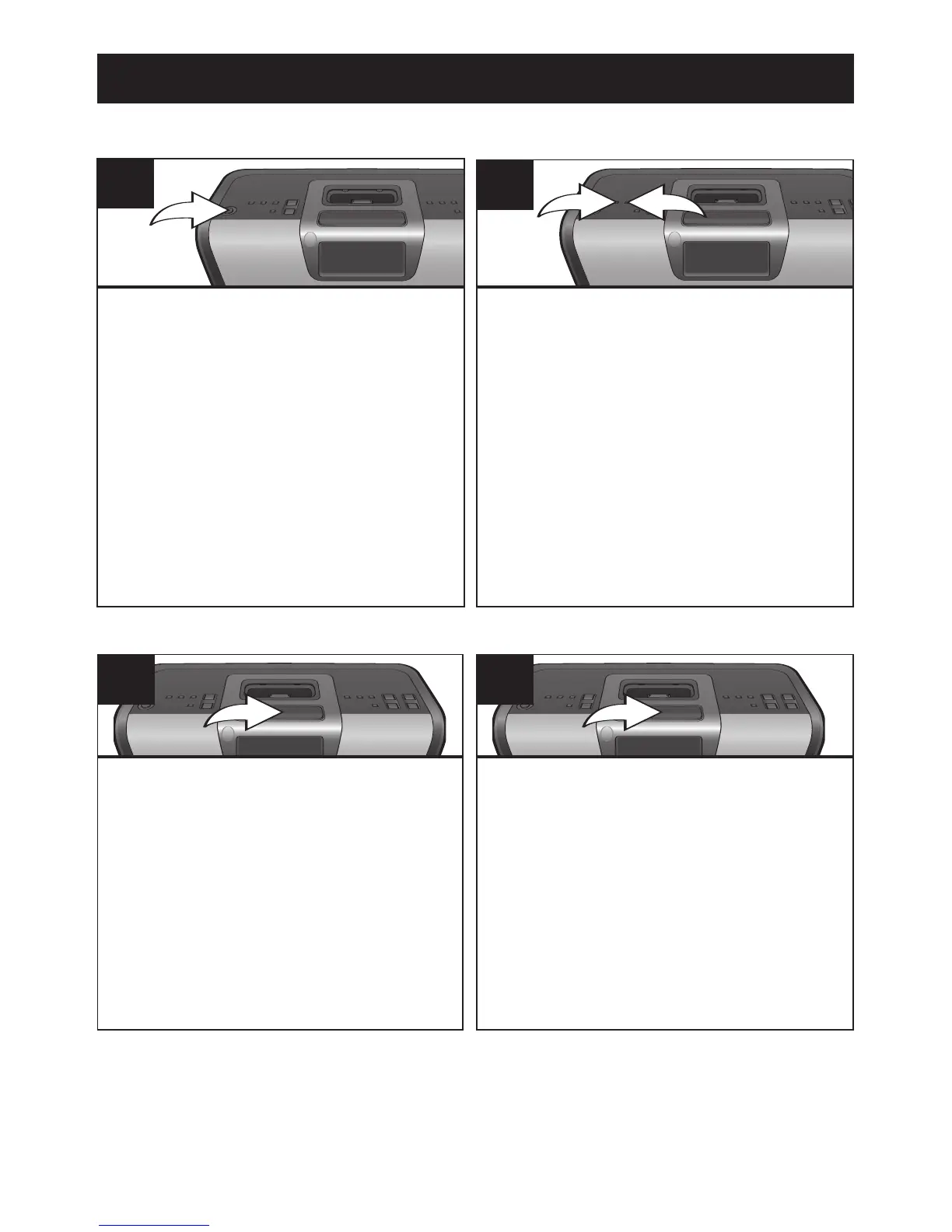
Press the POWER button to turn off
the alarm and the alarm will be set
for the next day.
1
TO SHUT THE ALARM OFF
While the alarm is sounding, press the
SNOOZE/SLEEP button, the Alarm 1 or
2 indicator will blink. The alarm will turn
back on automatically 6 minutes later.
1
SNOOZE
To not set the alarm for the next day,
once you have turned the power off,
press the ALARM 1 1 or ALARM 2
2 button (which corresponds to the
alarm that was set) until "AL1" or
"AL2" disappear from the display.
2
Every press of the SNOOZE/SLEEP
button will increase the Snooze time by 6
minutes (up to 10 presses for 60
minutes).



 To Next Page