15
With the unit in the AUX IN, iPod
®
or
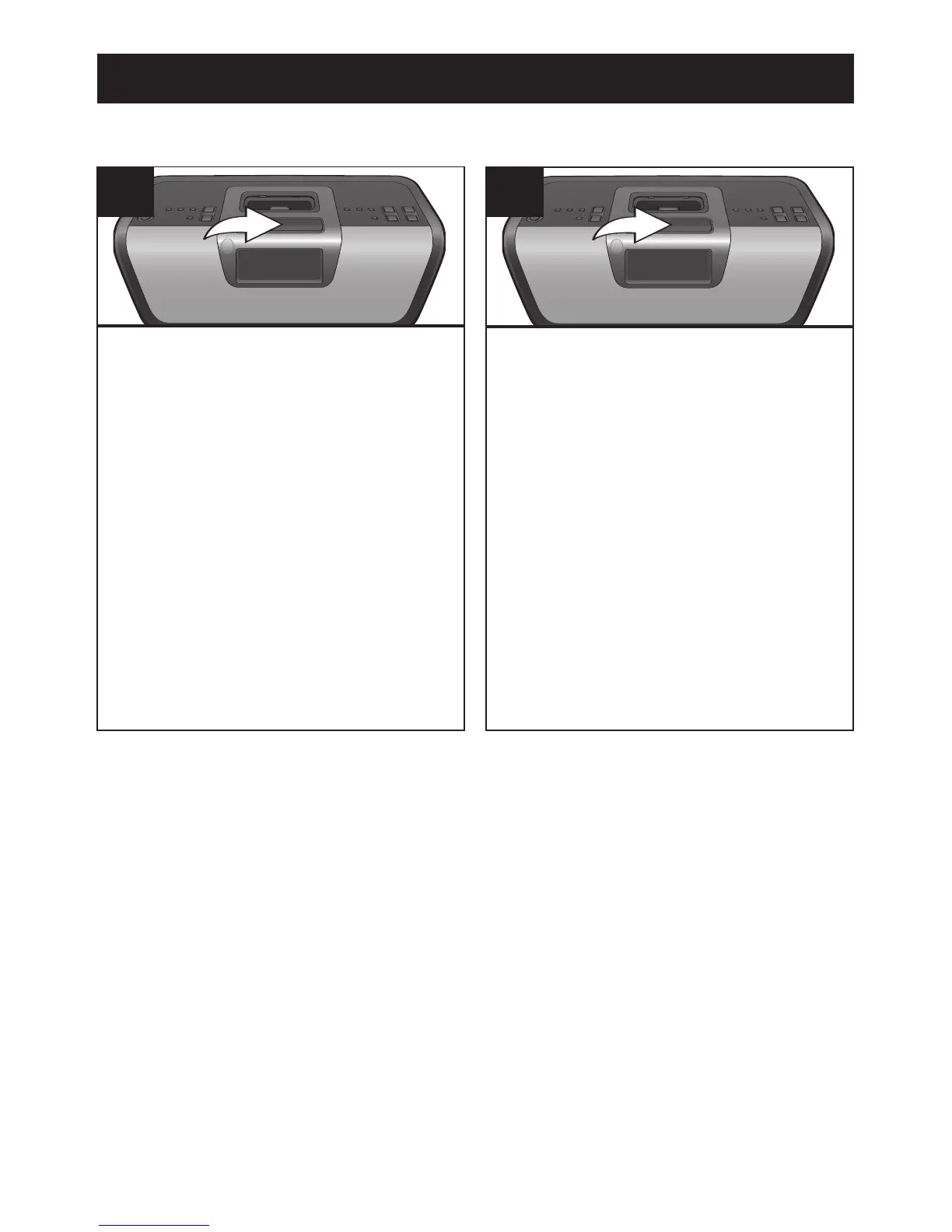
Radio mode, press the SNOOZE/
SLEEP button; the SLEEP indicator and
"90" will appear in the display for three
seconds which indicates the unit will turn
off after 90 minutes. Repeatedly press
the SNOOZE/SLEEP button to select
the SLEEP
time, between 10-90 minutes
(i.e., "20"–turns off automatically after 20
minutes, "30"–turns off automatically
after 30 minutes, etc.). After five
seconds, the SLEEP time will disappear
from the display.
1
To view the remaining SLEEP time,
press the SNOOZE/SLEEP button once.
Repeatedly press the SNOOZE/SLEEP
button to decrease the SLEEP time;
each press will decrease the SLEEP
time by 10 minutes.
NOTE: To cancel the SLEEP function,
repeatedly press the SNOOZE/SLEEP
button until “OFF” appears in the display.



 To Next Page