EasyManua.ls Logo

Viatom Pulsebit EX PB-20 - User Manual

Viatom Pulsebit EX PB-20
88 pages
Print Icon
To Next Page IconTo Next Page
Loading...
Pulsebit EX
Personal ECG Tracker
Quick Guide
Model PB-20
English|Deutsche|Italiano|Español|Français

Table of Contents

Questions and Answers

Summary

Disclaimer and Caution

Unpacking

Lists the items included in the package.

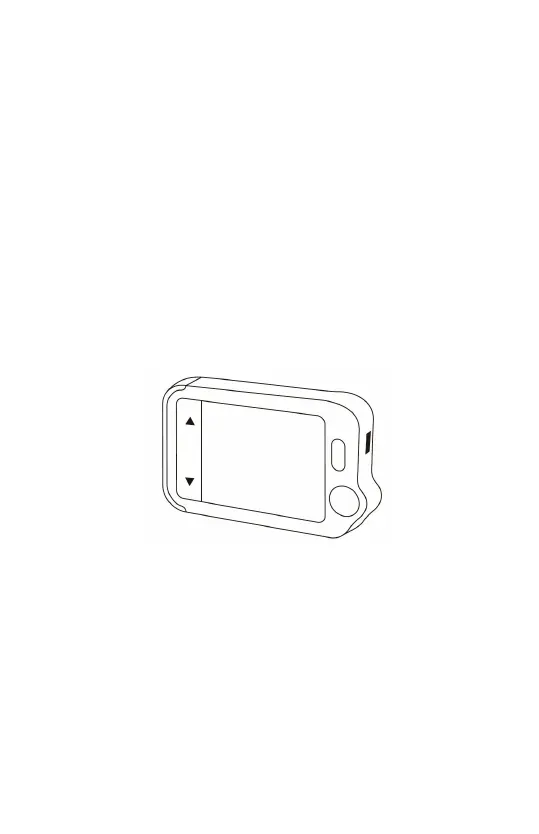
About the Main Unit

ViHealth App

Desktop Software

Set Up

Charging

How to charge the device using a USB adapter.

Powering On;Off

Instructions for turning the device on and off.

Initial Settings

Setting the current date and time on the device.

First Check

Steps to perform the initial ECG measurement.

View Results

How to view and interpret measurement results and waveforms.

Reviewing Records

How to access and review past ECG records.

Syncing Data to ViHealth App

Steps to connect and sync data with the ViHealth mobile app via Bluetooth.

Using the Software Pulsebit Browser Pro

Instructions for downloading and using the desktop software.

Exploring More Features

Choosing Different ECG Types

How to select different ECG lead types for measurements.

Using the ECG cable for Heart Checks

Instructions on connecting the ECG cable and electrodes for measurements.

About Reusable Electrodes

Information on care, replacement, and purchase of reusable electrodes.

Understanding the Results

Explains the meaning of Heart Rate and ECG results.

Settings

Configuration options for User Mode, ECG Length, Brightness, and Voice.

Troubleshooting

Specifications

Viatom Pulsebit EX PB-20 Specifications

General IconGeneral
Measurement ParametersSpO2, Pulse Rate, Perfusion Index
DisplayOLED
BatteryRechargeable lithium battery
Charging TimeApproximately 2 hours
ConnectivityBluetooth
CompatibilityiOS, Android
Operating Temperature5°C to 40°C
Storage Temperature-20°C to 55°C
Device TypeFingertip Pulse Oximeter
AccuracySpO2: ±2%, Pulse Rate: ±2 BPM or ±2%, whichever is greater