13
Viconics Technologies
028-0465-00 October 2015
Add Device to GW2
This procedure shows you how to add a Room Controller to the GW2.
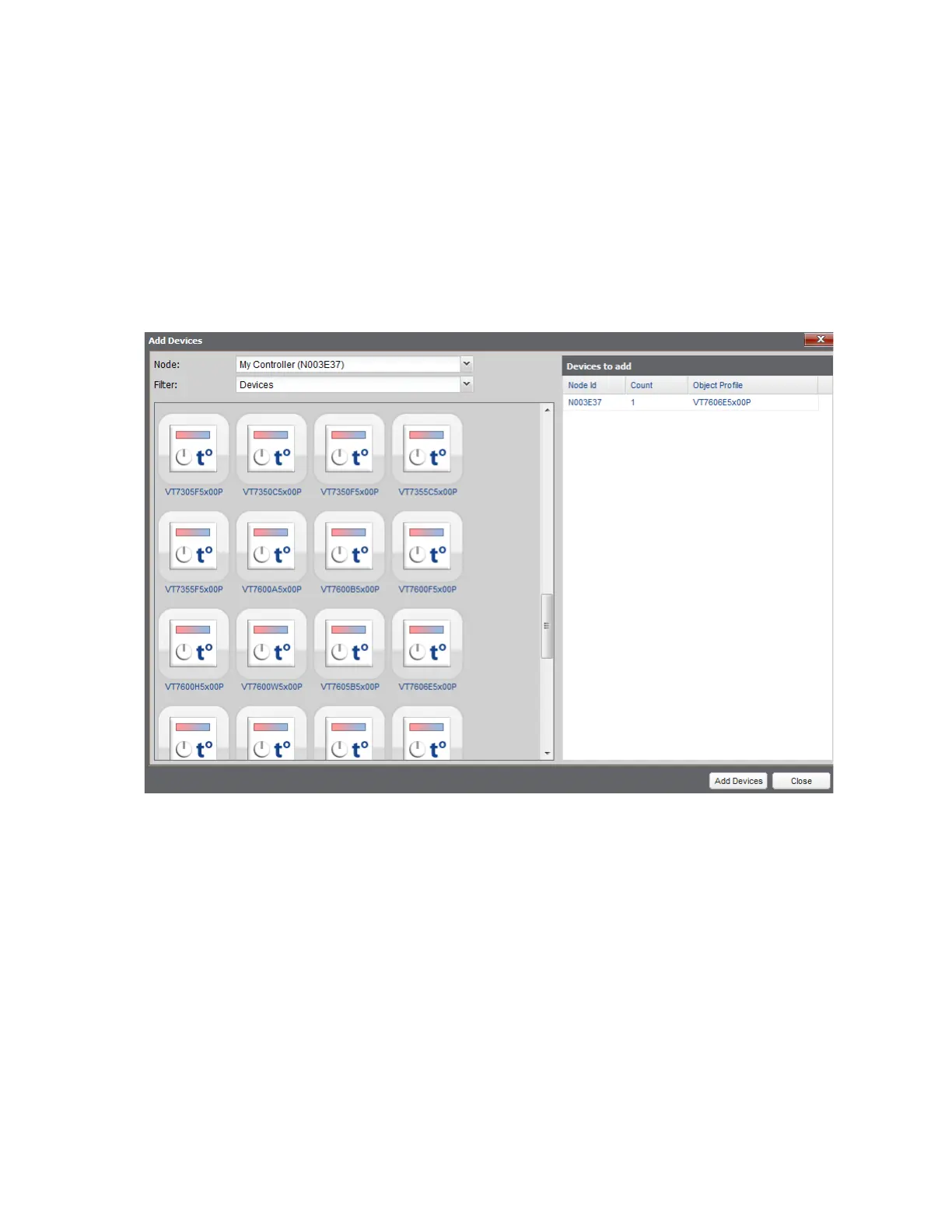
1. In Explorer tab of Building Expert, click Add Device button. A new window opens.
2. Select Device you want to add.
NOTE: You must add the same Device model from the Device list which is identical to the model number of your Device. This
number is shown on the packing box.
3. Click Add Devices. Building Expert automatically adds Device to your GW2.
NOTE: Click multiple times until ‘Count’ increments to the amount of devices you want to add if you are adding multiple devices
of the same model.


 To Next Page
 Loading...