8
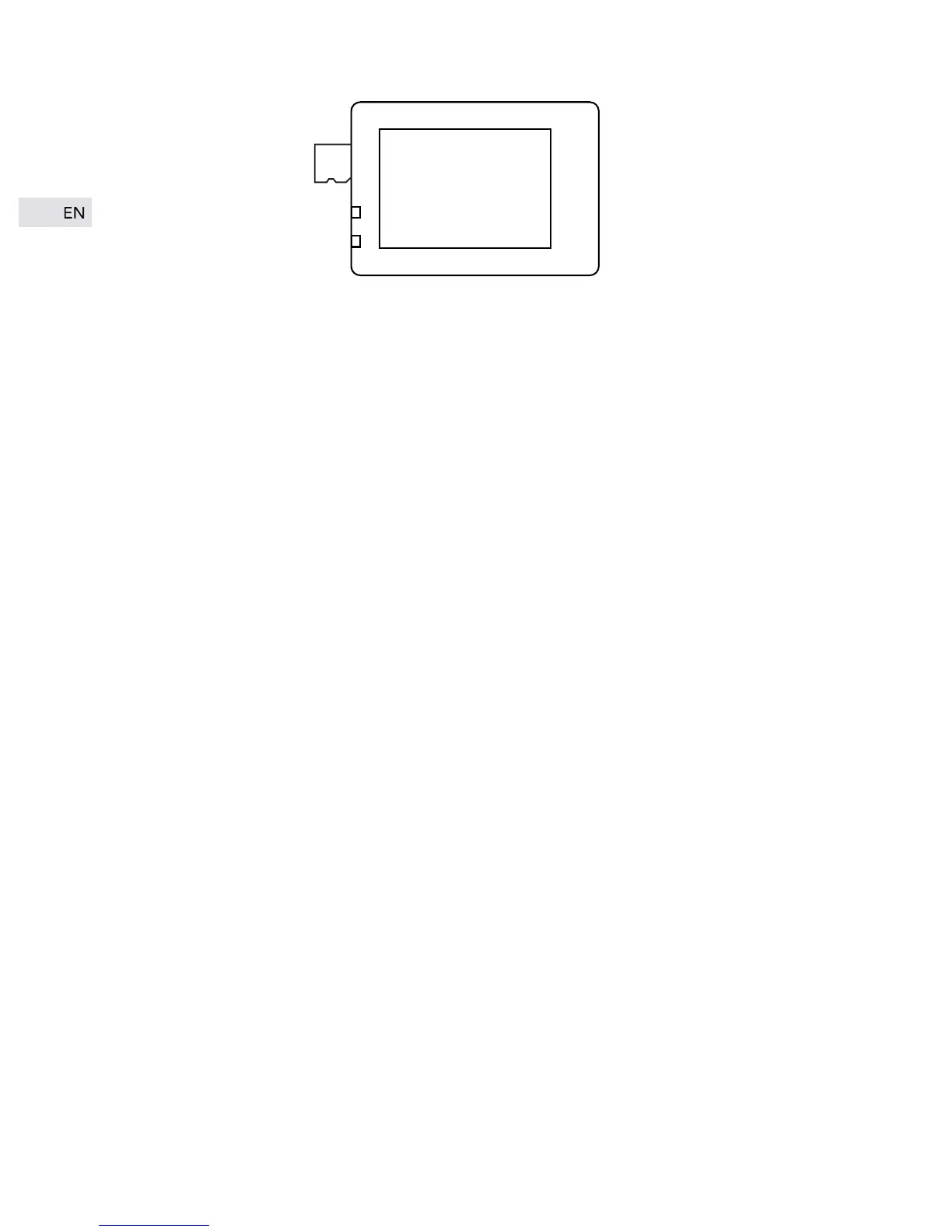
Tips: Please use your fingernails to push the SD card since the slot is a
little bit deep.
Formatting:
Considering the compatibility of the SD card, it should be formatted
before using. Formatting steps are as below:
1. Short press the “MODE” button to start up the camera. Press the
“MODE" button thrice to enter the settings mode;
2. Press “DOWN” button until you find “format” setting then press OK
button to confirm, the memory card will be formatted at once.
Tips:
1. Please make sure the SD card is class 10 micro card, and the memory
maxim supports 64 GB;
2. Please transfer your valuable files into other place to store before
format the SD card.


 To Next Page