9
Mode Operation Instructions
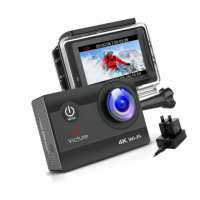
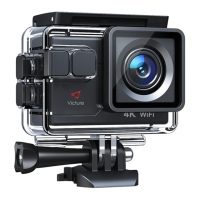
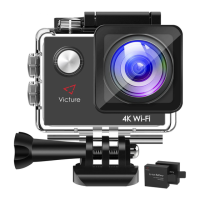
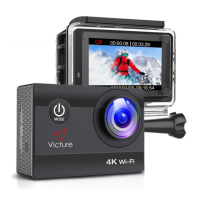
The AC800 series has four kinds of mode: Video Mode, Photo Mode,
Playback Mode, Settings Mode. Below are the function instructions of
each button under these modes.
Short press「Power/MODE Button」: Turn on the camera;
Extended press「Power/MODE button」: Turn off the camera.
※Under each mode.
「OK Button」: Begin&Stop recording
「Up Button」(Short Press): Wifi switch
「Up button」(Extended Press) : Enlarge the focal length(Maxim 4X)
「Down Button」(Short Press): Audio recording switch
「Down button」(Extended Press): Narrow focal length
「Power/MODE Button」(Short Press): Shoot pictures(During recording)
「OK Button」: Shoot picture
「Up Button」: Enlarge the focal length(Maxim 4X)
「Down button」: Narrow focal length
「Power/MODE Button」(Short Press): Mode switch(Video→Photo→
Playback→Settings)
Under Playback
「OK Button」(Short Press): Play&Pause video
「Up Button」: Fast forward( Maxim 8X)
「Down button」: Rewind( Maxim 8X)
Turn ON/OFF
Video Mode
Photo Mode
Playback Mode


 To Next Page