32
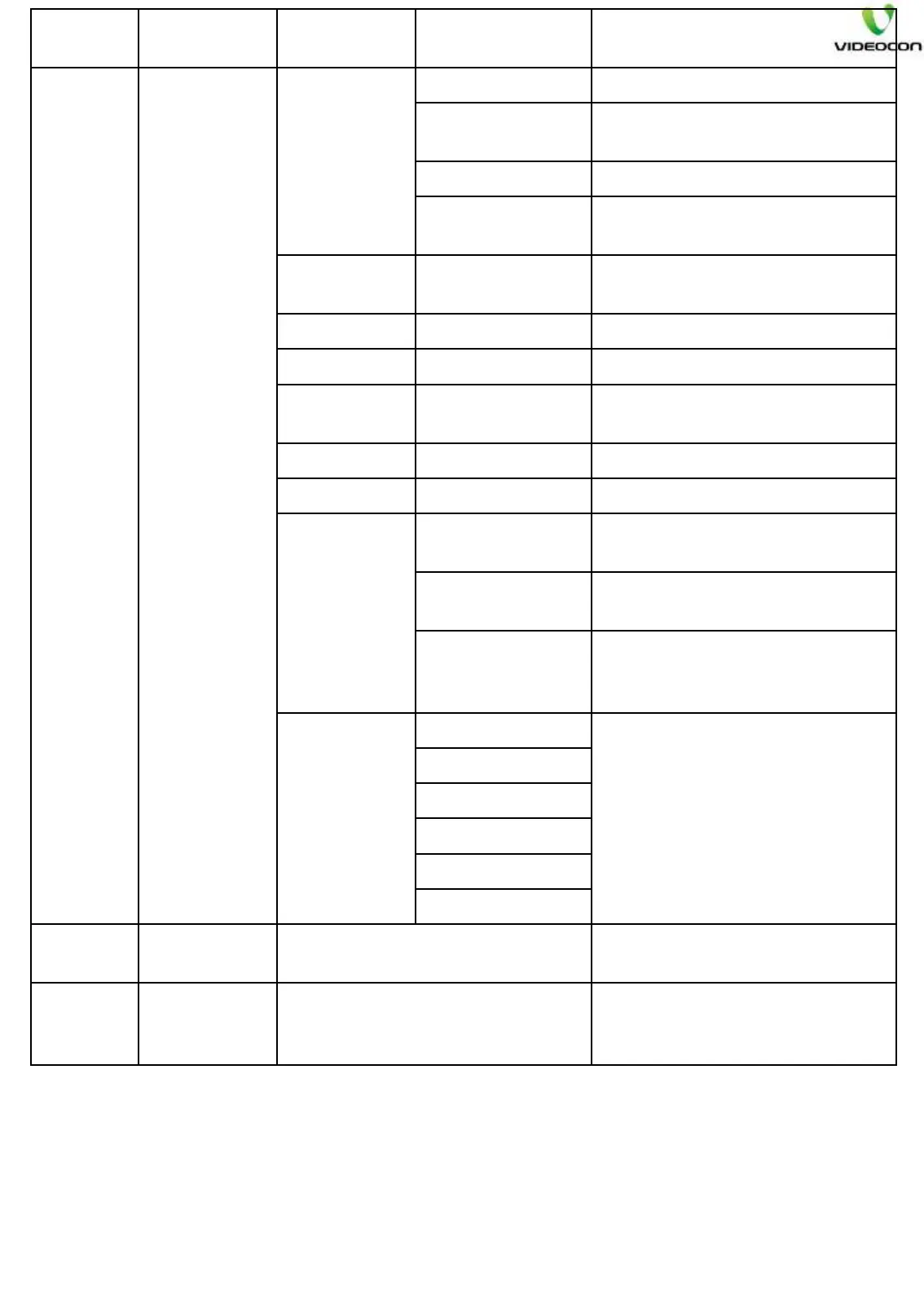
Mode Parameter
Sub
Parameter
Default Data Description
SETUP
FEATURE
SWITCH
Demo EOPS
Demo EOPS To make E-OPS ON/OFF
EOPS MODE
To select different default E-
OPS combinations.
Icon Num. Select no. of functions in E-OPS
Pos 1 to 6
To define function to display on
different positions.
CEC
Function
ON
To make CEC function ON/OFF
ARC OFF
To make ARC function ON/OFF.
Hotel Mode ON
To make Hotel mode ON/OFF
Timer Menu OFF
To make Timer menu ON/OFF.
Default is OFF.
Blue Back OFF
To make Blue Back ON/OFF
USB mode Movie USB
To select JPEG/MPEG USB.
Key
Indication
Setting
Key Indication
Position
To select position of key
indicator on screen
Key Indication
Start
To set position of indicator
Pos 1 to 7
To set functionf on different
positions of Key press
indicaator, as per model
Key gap
Key 1/2 Gap
To maintain gap between
different key indicators.
Key 2/3 Gap
Key 3/4 Gap
Key 4/5 Gap
Key 5/6 Gap
Key 6/7 Gap
MHL Function
This is enable/disable MHL
function
Stand by banner
This will show Active/Cold start
banner every time when make
stand by.
Note: -
1.) The design parameters may vary depending on model. So, kindly follow the
design data provided with each model.
2.) Clear EEPROM option is at first position in setting design data, so care should
be taken that OK key should not be pressed here, unless and until required.
3.) E-OPS & Key indicator are not applicable in SANSUI models.


 To Next Page
 Loading...