10
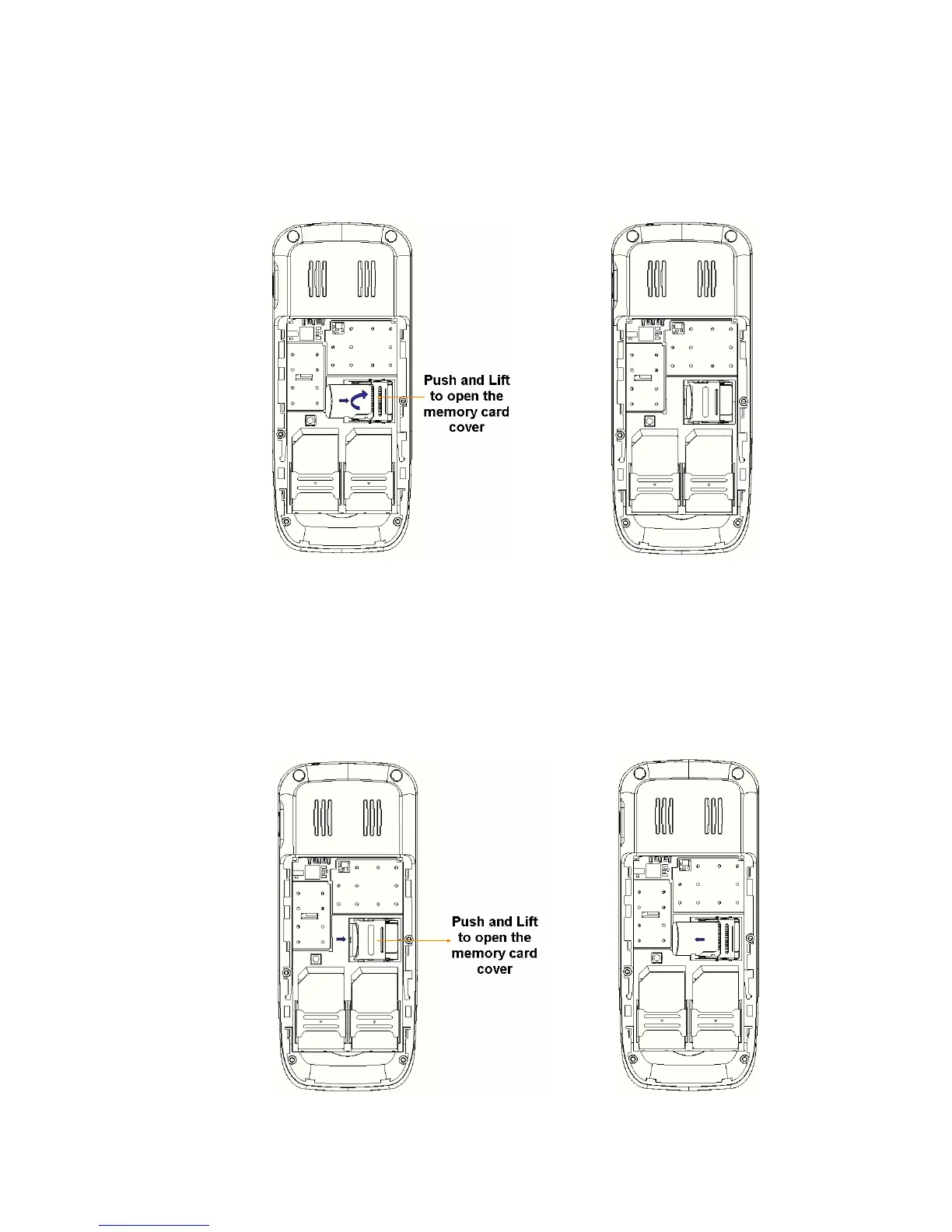
iv. Place the memory card into memory card slot with the metal connectors of the memory
card facing down.
v. Close the memory card cover and push it in the direction indicated by arrow to lock the
memory card cover.
2. When removing memory card, follow the steps:
i. Remove all the external power connection and power off the phone.
ii. Remove back cover and the battery.
iii. Unlock and open the memory card cover.
iv. Remove the memory card and close and lock the memory card cover.



 To Next Page