14
The menu marked * items will only appear in special circumstances. For
conference function, it is necessary to apply for service supply to corresponding
service operator.
2.6 Input Method
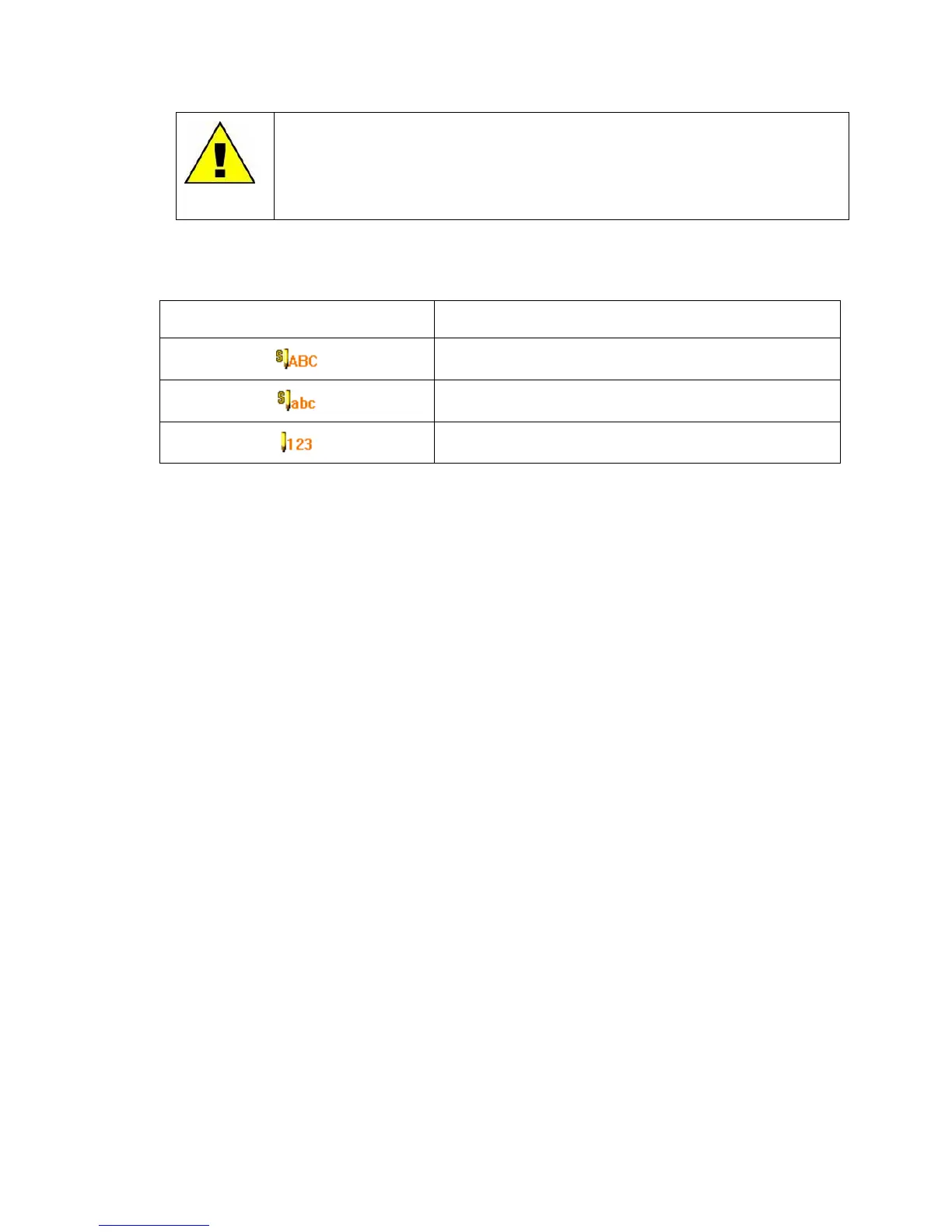
This mobile phone provides the following input methods:
Upper case English input method.
Lower case English input method.
2.6.1 Key board
In idle screen, press the left soft key to directly access the Menu. In idle screen, press the right
soft key to directly access the Phonebook list. During menu operation, the current functions of
the left and right soft keys are shown in the bottom line of the screen, and they are closely related
to the current status of the phone.
2.6.2 Navigation keys (up/down and left/right keys)
Direction keys are used to readily access different functions which can be assigned by dedicating
the keys by Dedicated Keys option in Settings.
2.6.3 Pound key
Press the pound key to enter "#".
Press and hold the pound key in idle screen to activate/deactivate the Silent mode.
When in an editing screen, press the pound key to change the input method.
2.6.4 Number keys
Press number keys (0-9) to enter numbers.
Press and hold number keys (2-9) to start speed dial.
You can also use number keys to select menus. If a number is shown before an option in menu
list, you can select the option quickly by pressing the corresponding number key.
2.6.5 Asterisk key
Press the asterisk key to enter "*".
Press the asterisk key twice in a row to enter "+", to make an international call.



 To Next Page