EasyManua.ls Logo

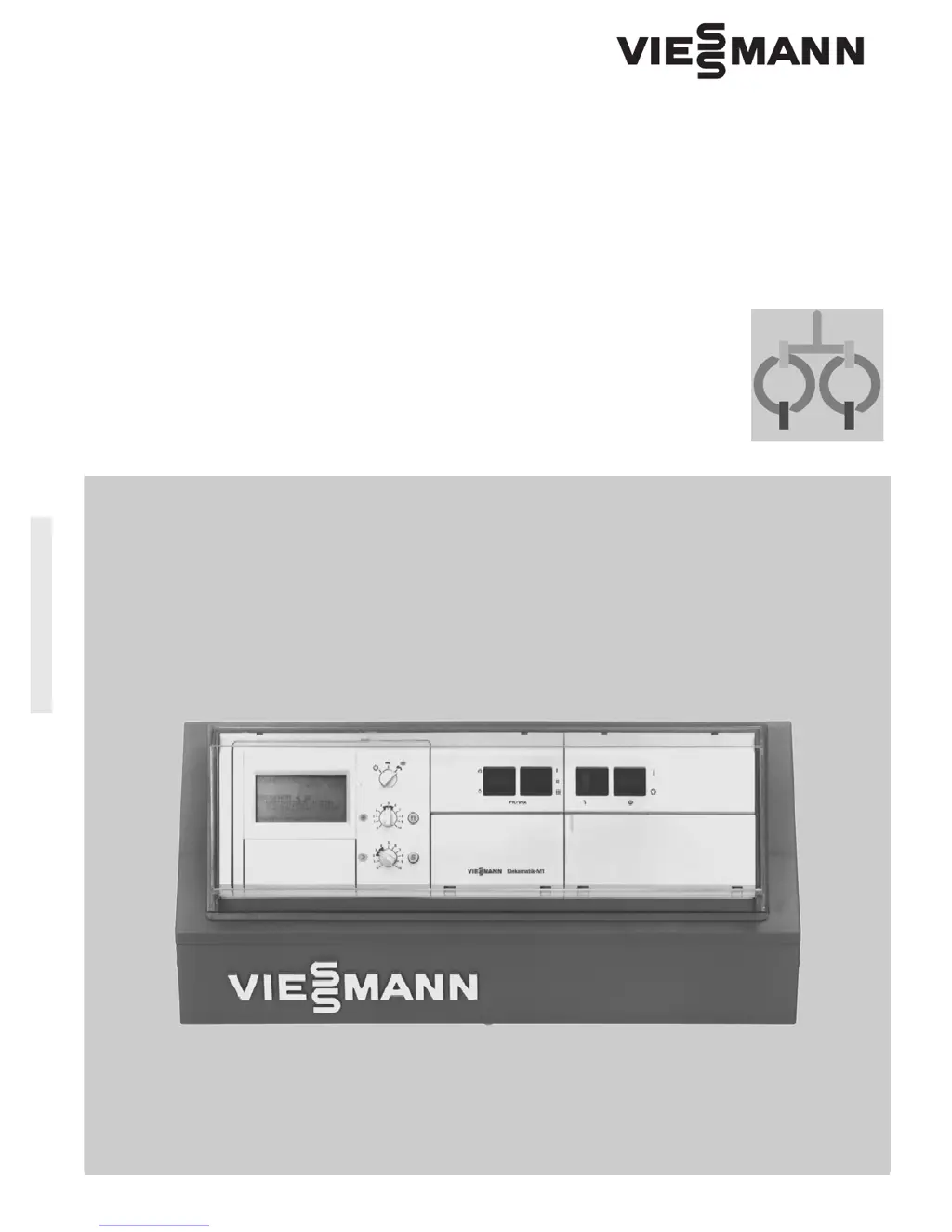
Viessmann Dekamatik-M1 - User Manual

Viessmann Dekamatik-M1
32 pages
Print Icon
To Next Page IconTo Next Page
Loading...
5302 682 1/98
Operating Instructions
Dekamatik-M1
Digital indoor/outdoor
boiler and heating system control
Dekamatik-M1
Please file in Sercice Binder

Questions and Answers

  • D
    Danielle BondAug 3, 2025
    What to do if the Viessmann Dekamatik-M1 Control Systems burner doesn't activate and the red light is on?
    • A
      Alexandra MillerAug 3, 2025
      If the Viessmann Control Systems burner doesn't activate and a red light is on, try pressing the reset button on the burner to restart it. If it still doesn't work, it is best to contact a heating contractor for assistance.
  • E
    Eric JonesAug 8, 2025
    How to troubleshoot a Viessmann Dekamatik-M1 heating system that does not activate?
    • C
      clarksharonAug 8, 2025
      If the Viessmann Control Systems heating system isn't turning on, first check if the on/off switch is set to “ ”. If it's set to “O”, switch it to “ ”. Also, ensure that the main power supply to both the control unit and the burner is activated. If the fuse in the distribution circuit has blown, it's recommended to contact a heating contractor.
  • S
    Susan CabreraAug 15, 2025
    Why Viessmann Control Systems burner activation does not occur?
    • C
      cassandra20Aug 15, 2025
      If the Viessmann Control Systems burner doesn't activate or fires irregularly, start by checking the control unit programming and ensure the program selection switch is properly set, making any necessary corrections. Also, check if there is enough fuel: for oil, ensure an adequate oil supply and reorder if necessary; for gas, open the gas valve or contact your local gas utility if needed. Other potential causes include a failure of the motor-controlled flue gas damper (for gas boilers with atmospheric burner), defective accessories (test and replace if needed), or a defective control unit. If you suspect a defective control unit, you can operate the boiler with an elevated boiler water temperature using the override switch “ ” and consulting your service company.
  • G
    gregoryfloresAug 21, 2025
    Why are the heating circuits cold when the Viessmann Dekamatik-M1 Control Systems boiler is operative?
    • E
      Erika SantosAug 21, 2025
      If the boiler is running but the heating circuits in your Viessmann Control Systems are cold, it could be because the heating circuit switches are set to shut-down mode “ ”. To fix this, set the heating circuit switches to automatic mode “ ”.
  • T
    Thomas HansonAug 27, 2025
    What to do if 'DHW ON' is on display and Viessmann Control Systems heating circuits are cold?
    • S
      Scott DeanAug 27, 2025
      If 'DHW ON' appears in the display and the heating circuits of your Viessmann Control Systems are cold, it means that domestic hot water (DHW) heating is taking priority over space heating. Wait until the DHW heating is complete, and then the heating circuits should start working again.

Summary

Dekamatik-M1 Operating Instructions

Control Panel and Display Elements

Identifies and explains all controls, buttons, indicators, and display symbols on the unit.

Heating System Operation Principles

Explains how the Dekamatik controls the heating system based on various conditions.

Initial Control Unit Activation

Describes the essential steps to activate the heating system and the Dekamatik control unit.

Comprehensive Settings and Adjustments

Understanding Display Symbols

Explains the meaning of various symbols shown on the control unit's display for status indication.

Configuring Heating and DHW Programs

Details setting up and selecting heating and domestic hot water programs using the selection switch.

Adjusting Room and Hot Water Temperatures

Guides users on changing desired room and domestic hot water temperatures.

Special Modes: Party and Energy Saving

Instructions for activating and using special modes like Party and Energy Saving for specific needs.

Navigating the Control Unit Menu Structure

Provides a visual guide to navigating the control unit's menu system for easy access.

Time Program and Switching Time Management

Explains setting daily time programs and specific switching times for heating and DHW.

Setting Up a Holiday Program

Details how to configure a holiday program for extended absences to maintain comfort.

Temperature Limit and Differential Adjustments

Guides on setting maximum temperature limits and differential temperatures for system control.

Heating Curve Optimization and Adjustment

Instructions for adjusting heating curves to match building characteristics for optimal efficiency.

Restoring Factory Default Settings

Describes the procedure to revert all system settings to their original factory defaults.

System Control and Monitoring

Provisional Operation via Override Switch

Explains how to switch the unit to provisional operation with fixed boiler water temperatures.

Scanning System Temperatures and Status

How to view current system temperatures and operational status information.

Fault Identification and Error Handling

Explains how faults are displayed and how to identify their causes.

Troubleshooting and Unit Maintenance

Troubleshooting Common Heating System Faults

Provides a guide to identifying and correcting common heating system faults.

Operating and Maintaining the Control Unit

General information on using the control unit, including removal, installation, and maintenance.

Language Selection and Battery Management

Instructions for changing the display language and replacing the unit's batteries.

System Settings Reference Guide

Detailed System Settings Checklist

A comprehensive table of system settings, default values, and alternative possibilities.

Viessmann Dekamatik-M1 Specifications

General IconGeneral
BrandViessmann
ModelDekamatik-M1
CategoryControl Systems
LanguageEnglish