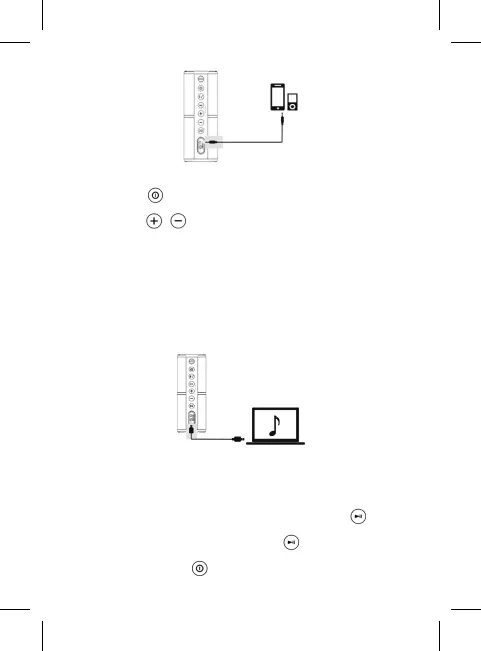
6. FM Radio
Short press the button to the FM mode (the speaker will voice
“FM mode”);
Short press the / buttons for searching next/previous channel.
7. Card Reader
Please insert the Micro SD card into the speaker and use the USB
cable included to connect the speaker to the computer.Power o the
speaker.The speaker will enter the card reader mode,then the Micro
SD card can be read and written on the computer directly.
Note: The first time using this function, computer will install the driver
automatically.
8. Intelligent power saving function
The speaker will be automatically powered o in below cases:
(1) Under Bluetooth mode, the speaker is waiting to pair for more than
10 minutes
(2) Under Aux In mode, Memory card mode, FM mode, if press
the button to pause/mute for more than 10 minutes. (Please note
under the OTG USB Music mode, press the button more then 10
minutes , the speaker can not power o automatically).
Note: Please long press button again to power on the speaker


 To Next Page