3
Getting Started
Thank you for purchasing your LCD monitor from ViewSonic
®
. At ViewSonic, we aim
to provide the most stunning visual experience possible.
Package Contents
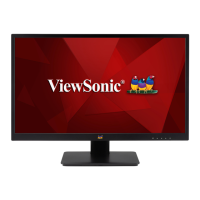
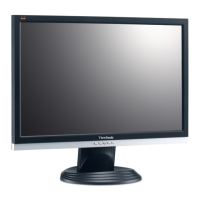
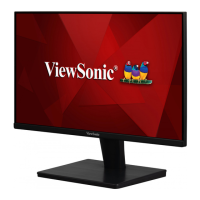
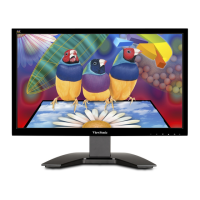
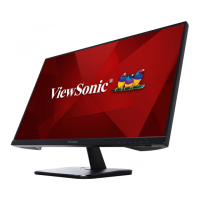
Your LCD display package includes:
• LCD display
• Power cord
• D-Sub cable
• Quick Start Guide
IMPORTANT:
• The word “Windows” in this user guide refers to the Microsoft Windows operating
system.
• Visit the “Download” section of the monitor product page on the ViewSonic
website to download your monitor drivers.
• Don’t forget to register your ViewSonic monitor! Simply login to the ViewSonic
website in your region and click on the “Support” tab on the front page.
• Save the original box and all packing material for future shipping needs.



 To Next Page