Step 10. At last, do “Memory Recall.”
3.2 Setup Procedure
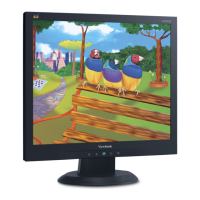
3.2.1 Connect P2 and monitor of Fixture with VGA ports of VA503/VA703/VA903 by
VGA Cable.
3.2.2 Connect P1 of Fixture with Printer port of PC by LPT Cable.
3.2.3 Plug Power Adapter to Fixture.
3.2.4 Connect Power Cord to VA503/VA703/VA903 Monitor.
3.2.5 Connect PC to the additional monitor.
JP1: Power Adapter
P2: VGA Cable
P1:to LTP Cable
ViewSonic Corporation VA503b-1_ VA503m-1
38
Confidential - Do Not Copy



 To Next Page