ViewSonic VX2835wm 11
Main Menu Controls
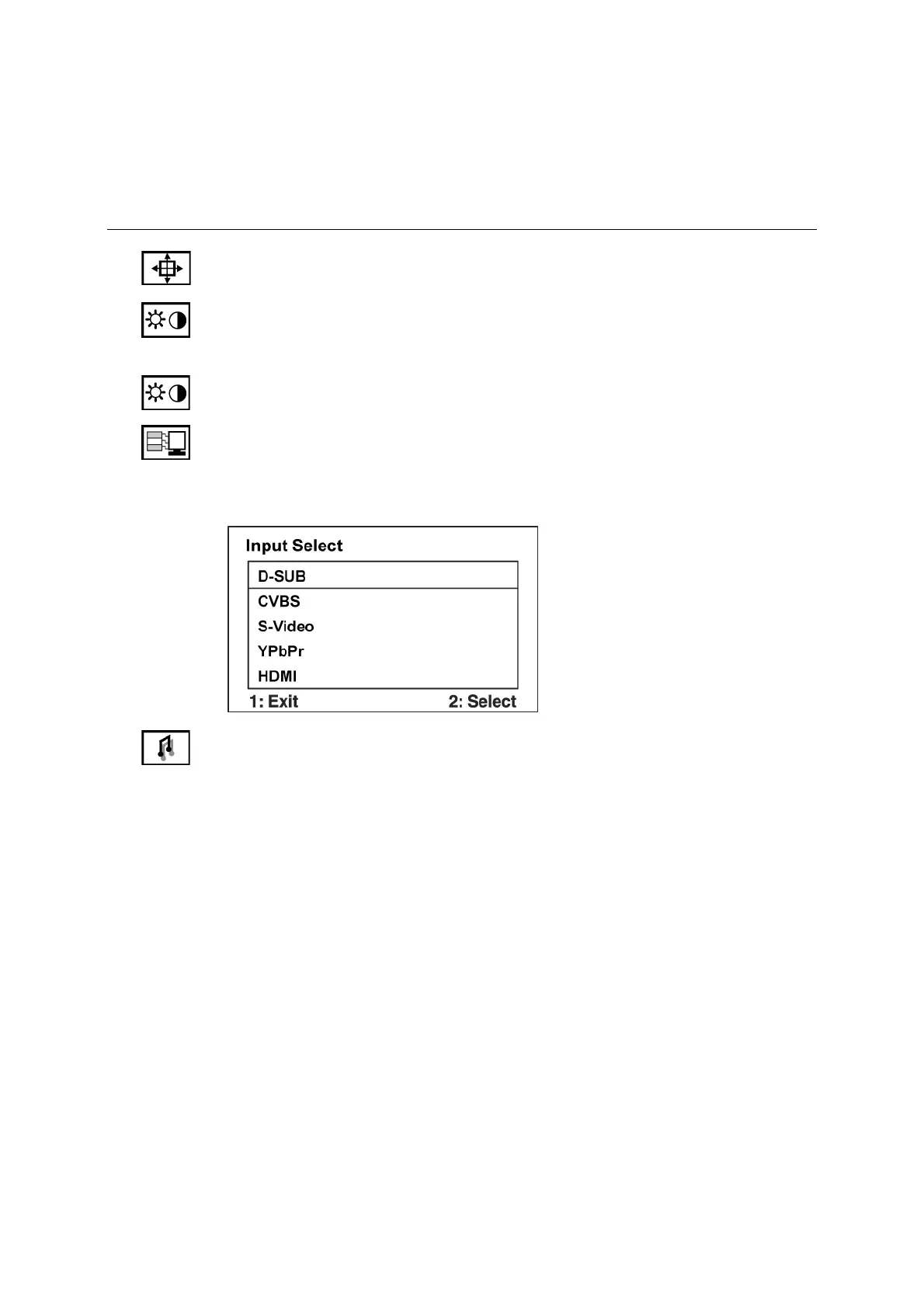
Adjust the menu items shown below by using the up S and down T buttons.
Control Explanation
Auto Image Adjust sizes and centers the screen image automatically.
Contrast adjusts the difference between the image background (black level)
and the foreground (white level).
Brightness adjusts background black level of the screen image.
Input Select toggles between inputs if you have more than one computer
connected to the VX2835wm.
Note: Please press the power on/off key to restart monitor when changing the
HDMI input device.
Audio Adjust
Volume increases the volume, decreases the volume, and mutes the audio.
Treble Adjusts the treble level.
Bass Adjusts the bass level.
Balance Adjusts left and right audio balance.
Mute temporarily silences audio output.



 To Next Page