42
Signage Display
Item Descripon
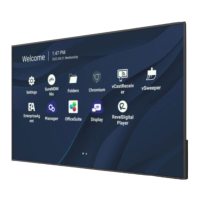
General Sengs
Signage Display Name
Setup the display’s name. Maximum of 36 characters.
Boot Logo
• Enable/Disable the boot logo.
• Select a custom boot logo or animaon le.
NOTE: Ensure “Boot on logo” in the Advanced sengs of
the OSD Menu is set to “User” to be able to select a
custom boot logo or animaon le.



 To Next Page