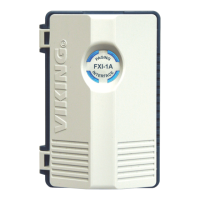
2. FXO (Loop Start) Mode – Power Required
3. VOX (Paging Port) Mode – Power Required
Select this mode if connecting to a FXO Port, a Plain Old Telephone, or a Trunk Input of a PABX
or Key System. The FXI-1A provides 30 VDC Talk Battery. When the port, phone, or trunk has
seized the line, the FXI-1A will activate its relay, and audio will pass through the FXI-1A to the
paging amplifier. See Operation section B for further details.
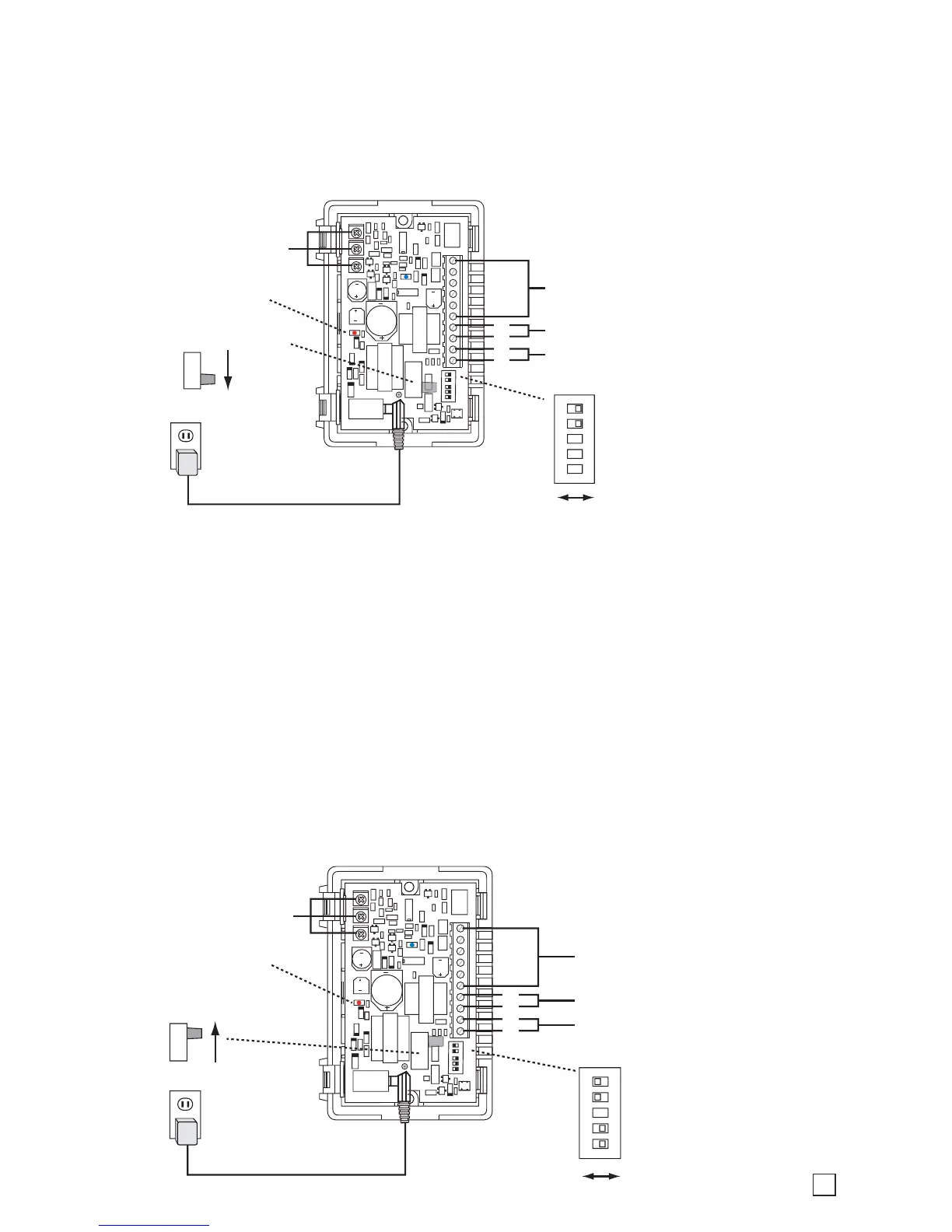
Internal View of the FXI-1A
Red power LED
must be ON
For POT Settings,
See Programming
Section B
Talk Battery Switch
FXO
600 Ohm Audio Out to Paging Amplifier
See Instalation Sections B, C, and D
4
3
2
1
FXO Port, Plain Old Telephone, or Trunk Input
12V DC Adapter
(provided)
5
4
3
2
1
Note: DIP Switch 4 and 5 must
be OFF.
See Programming section A.
ON
1 2 3 4 5
ON OFF
Internal View of the FXI-1A
Red power LED
must be ON
For POT Settings,
See Programming
Section B
Talk Battery Switch
FXS
600 Ohm Audio Out to Paging Amplifier
See Instalation Sections B, C, and D
4
3
2
1
Paging Port
12V DC Adapter
(provided)
5
4
3
2
1
Note: DIP Switch 4 and 5 must
be ON.
See Programming section A.
ON
1 2 3 4 5
ON OFF
Select this mode if connecting to a Paging Port. When the FXI-1A detects audio it will activate
its relay and pass the paging audio onto the amplifier until the Silence Time Out is reached. See
Operation section C for further details.
Note 1: The Page Alert Tone is not recommended in this mode, so keep DIP Switch 1 in the
OFF position.
Note 2: Since this mode is dependent on detecting audio, it is important to set the Silence Time
Out POT to a time setting that works best for the application. It is also recommended to keep
the Busy Detect feature disabled (DIP Switch 2 OFF), and to set the Page Time Out POT to the
Disabled position (fully clockwise). This way the FXI-1A stops paging only when the paging
source goes silent.
3


 To Next Page
 Loading...