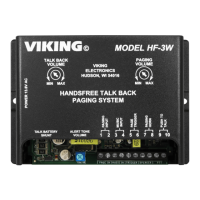
Programming
A. Normal Background Noise Environment
1. Under normal background noise levels, set the Paging Volume control so that the page may be heard as
required. Start with the Talk Back Volume control in the factory position (11 o’clock) .
2. Test talk-back to be sure that the HF-3W will switch between paging and talk-back for your desired operating
distance and noise level.
3. Adjust the Talk Back Volume control as necessary for your environment. The louder the background noise
level, the more you may have to decrease the Talk Back Volume and the shorter your talk-back distance will
be.
B. Loud Background Noise Environment
If the background noise is too loud for the HF-3W’s VOX circuit to operate properly, you will need to add a “push-
to-talk” button across screw terminals 9 and 10, and remove shunt JP2. The “push-to-talk” button may be installed
at either the telco end or the speaker end. Use a normally open switch for the telco side or use a normally closed
switch for the speaker side.
3
Operation
When sitting idle, the HF-3W allows audio from a background music source or an existing paging system’s speaker
output to pass through to the paging horn.
Handsfree talk back paging is achieved by accessing the two-way paging port, accessing the unused trunk port, or
coming off-hook on the single/multi-line phone. At this time, the background music is muted, a page alert tone is given
and paging with talk back is enabled.
The HF-3W’s automatic gain control circuitry continually monitors for varying background noise and automatically
adjusts talk back levels for proper VOX switching operation.
C. Two-Way Paging Port Interface
If the Paging Input is to be connected to a paging port, the paging port must allow two-way talk path and provide
a contact closure during paging. With power removed, disable the Talk Battery by removing the Talk Battery
Shunt (JP1) before connecting to the paging port.
D. Page Alert Tone
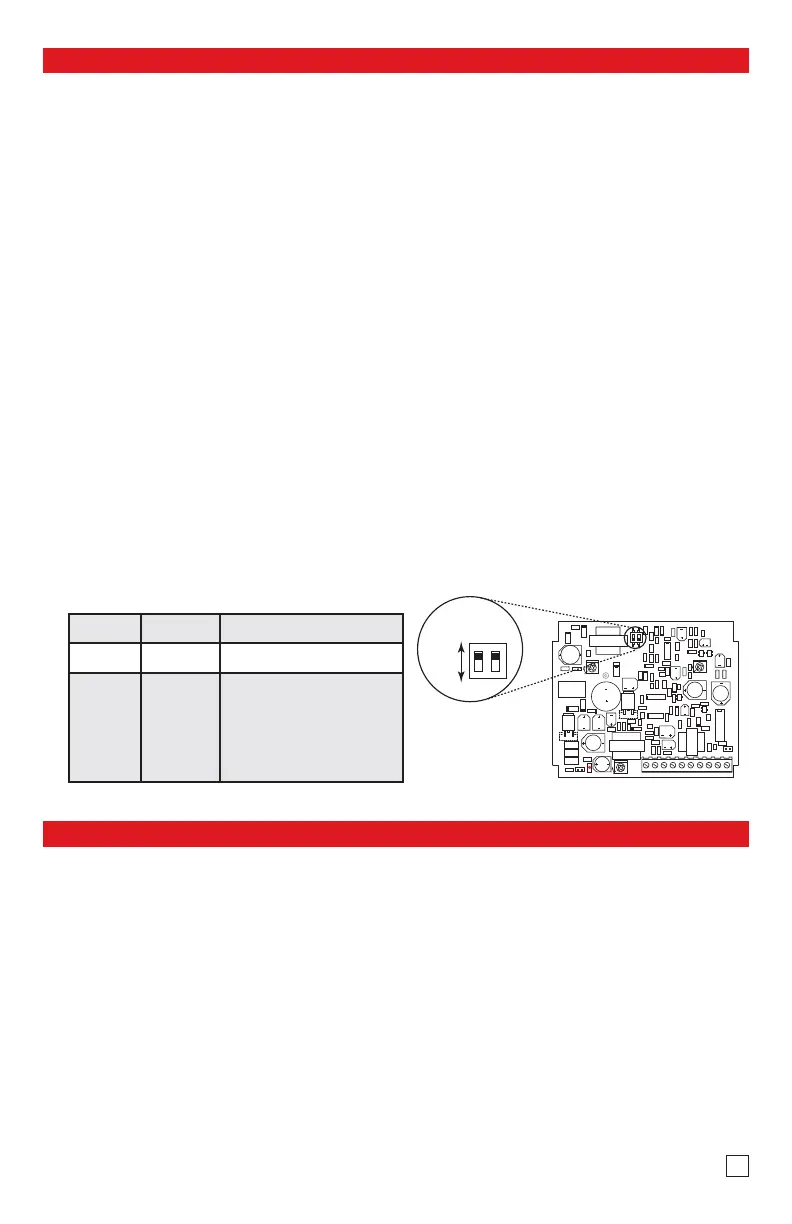
E. Dip Switch Programming
If a page alert tone is not required, set the Alert Tone Volume to minimum (see diagram on page two).
Switch 1 Switch 2 Description
ON ON Normal audio detection
OFF OFF
Increase audio detect sensi-
tivity for low level Paging
Sources. Useful in applica-
tions in which voices are
having trouble breaking over
the speaker.


 To Next Page
 Loading...