16
EN
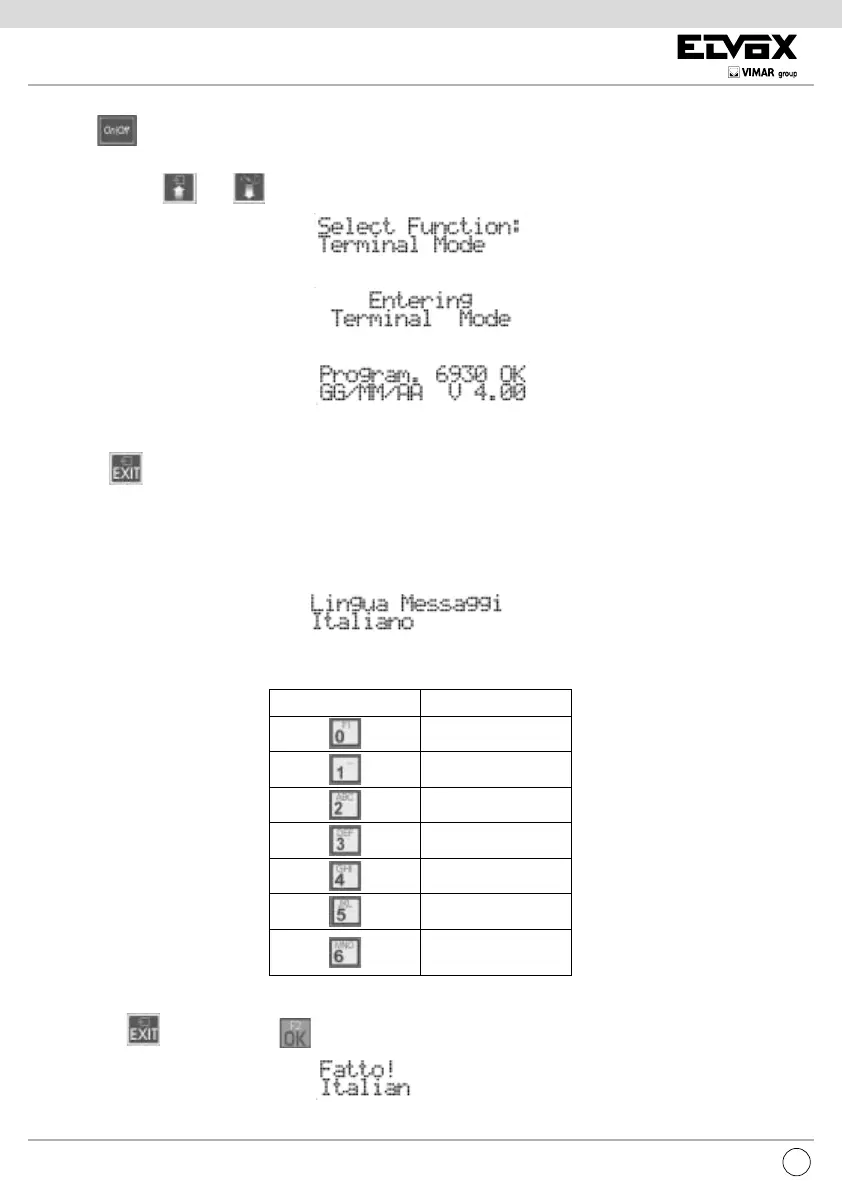
The button has no function because the programmer is powered via the bus. For the same reason the auto-shutdown function
is not available.
The programmer keys
and enable selection of the following item from the main menu:
During the phase of waiting for the response from the speech unit, the display shows:
After a few seconds the programmer display will show the type and release of the software for the speech unit:
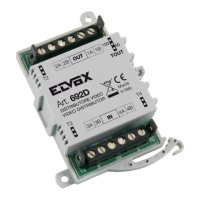
If the speech unit is connected to one of the modules 6570, 657C, 693T, the code 6931 is replaced by 693V.
When it disappears the rst item on the programming menu will appear. The programming procedure ends either due to timeout or by
pressing the
button while you are in any of the external menus listed below.
MESSAGE LANGUAGE
This indicates the language used to display the messages for the configuration of the electronic unit.
Programming can be in Italian (default local language) or in the other available languages:
To change the set language, press the number on the keypad corresponding to the required language as indicated in the table or use
the arrow keys.
BUTTON LANGUAGE
Italian
English
English
German
Spanish
Portuguese
Greek
To cancel press
. To conrm, press . Acceptance of the command, as in all cases, is shown on the rst line of the display:
The display now changes to:



 To Next Page