1. Hardware Installation
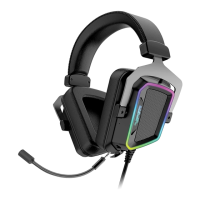
Connect the headset to computers USB port.
Wait 5~10 seconds for the headset to be recognized by the computer.
2. Software Installation
Please download the headset software from the product page at http://www.patriotmemory.com to
adjust the headset, surround sound, sound effects, proles and more.
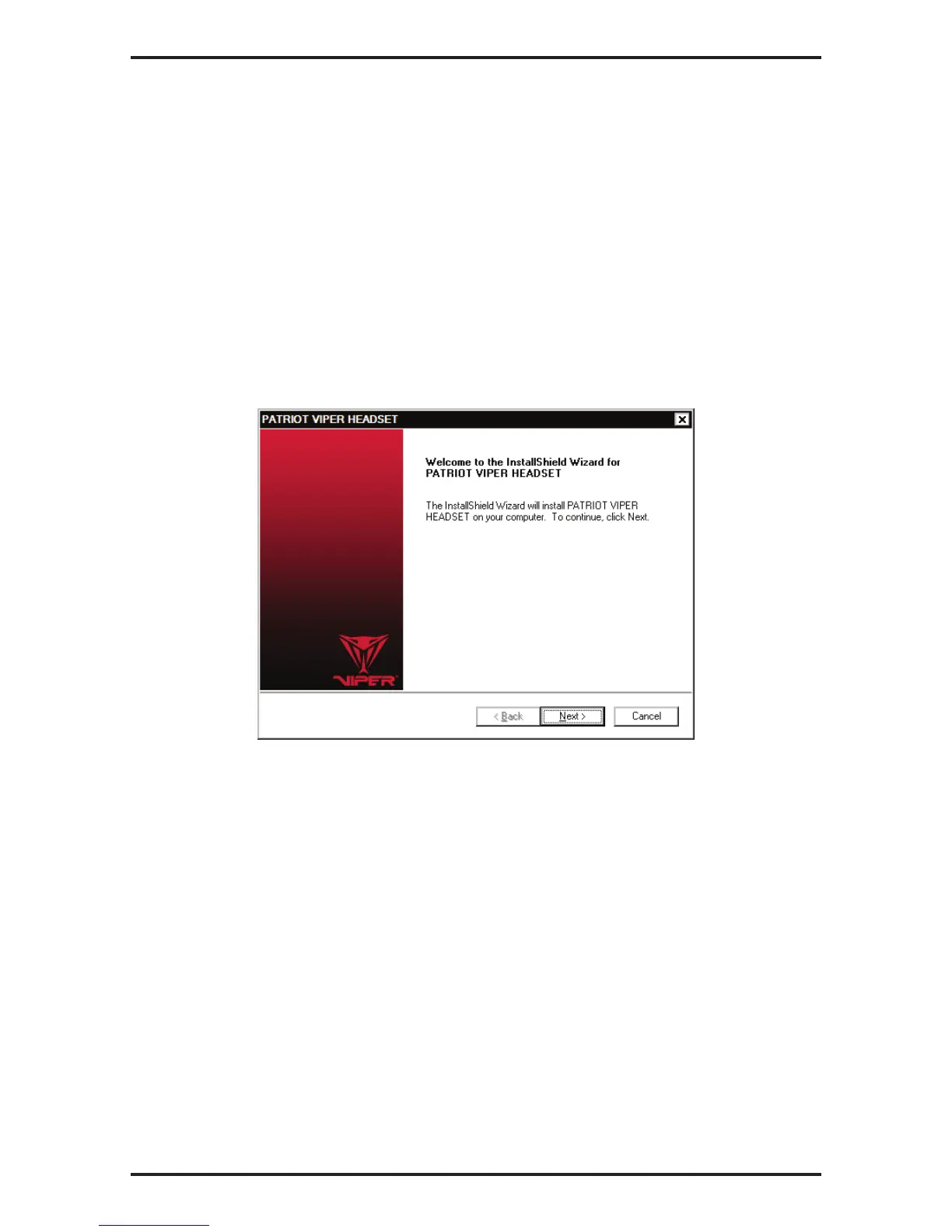
Software Installation Instructions
Once downloaded, double click on the software to start the installation. Follow the onscreen
instructions to fnish the process.


 To Next Page